Goblin Tools vs BrightMind: An Honest Review and Alternative (from BrightMind's Founder)
Stan · · 8 min read
Looking for a Goblin Tools alternative? An honest review by BrightMind's founder: Magic ToDo, the free toolset, pricing, where it stops, and which one fits your brain.
I run a productivity app, and one of the first things people ask when they find BrightMind is whether it does the same thing as Goblin Tools. Fair question. They overlap in spirit: both try to make an overwhelming task feel doable for a brain that struggles to start.
So I want to do something a little unusual for a founder. I'm going to tell you, plainly, when Goblin Tools is the better choice and you should just use that. It's a genuinely good piece of work, it's basically free, and for a lot of people it's all they need. I'll also tell you where it stops, and what BrightMind does past that line.
Every fact about Goblin Tools below I checked against its own site and store listings today. Where a detail can change, I'll say "as of this writing."
What Goblin Tools is
Goblin Tools is a collection of small, single-task AI tools built to help neurodivergent people with things they find overwhelming or hard. Each tool does exactly one job. There's no big dashboard, no setup, no account wall in the browser. You open a tool, type, get a useful result, and leave. That focus is the whole point.
It was made by Bram De Buyser, an AI and software engineer, and the mobile versions are published under Skyhook Belgium. As of this writing the toolset on the site includes Magic ToDo (break down a task), Formalizer (change the tone of text), Judge (read the emotion in a message), Estimator (guess how long something takes), Compiler (turn a brain dump into actions), Professor (explain anything), Consultant (help you decide), Taskmaster, and Chef (build a recipe from ingredients). Most people show up for one of them and stay for two or three.
The thing I respect most is the restraint. Nothing here tries to be a life operating system. Each tool is a sharp little knife for one specific friction, which is exactly why it gets used instead of admired and abandoned.
Magic ToDo
When people say "Goblin Tools," Magic ToDo is usually the tool they mean. You type a task, you press a button, and it breaks that task into a list of smaller steps. If a step still feels too big, you break that one down further, as many times as needed, until the first action is small enough to start.
The clever part is the spiciness control. You set how hard the task feels to you on a scale of one to five chili peppers. As the official page puts it, the spiciness level "gives the tool a hint about how hard or stressful you find the task. The spicier, the more steps it will attempt to break it down into." One pepper gives you a light outline. Five peppers shreds the task into tiny, almost silly pieces. That's smart design, because the same task is not equally heavy for every person on every day.
This works because it targets a real bottleneck. Breaking a project into small concrete pieces is one of the most reliable ways to get an ADHD brain past the starting line, since the freeze usually lives at the launch point, not in the work itself. If task initiation is where you get stuck, breaking it down is a fix worth leaning on, and I write about that freeze in more depth in the piece on ADHD paralysis. Magic ToDo automates the part where you'd otherwise have to figure out the steps yourself, which is often the exact step a tired brain can't do.
What Goblin Tools is great at
Where Goblin Tools shines is the zero-commitment answer to a single question, fast and low-friction. No download required, no account in the browser, no learning curve. You think "this task is too big," you paste it in, you get steps. The loop is seconds long, and that speed is the whole point.
It's also kind to the wallet. As of this writing the website is, in the creator's own words, "offered free and available to all" and "will stay free without ads or paywalls." For a tool aimed at people who are often skeptical that anything will help, free-with-no-catch removes the biggest reason not to try. I think that generosity is a big part of why it's so beloved.
And the single-purpose framing genuinely helps. When you're overwhelmed, a tool that asks one question and gives one answer is calming. There's nothing to configure, nothing to maintain, nothing to feel guilty about neglecting. For breaking down a one-off task, softening an email, or emptying a noisy head into a list, it's hard to beat.
Where Goblin Tools stops
The edge of the single text box is where Goblin Tools stops. It's built around typing into a tool and reading the result, so it doesn't talk with you, it doesn't live in your task manager, and it doesn't walk you through a moment when you're frozen. Those are deliberate choices to stay small, but they're real limits worth knowing.
A few specifics, checked against the live site today. It's text-first: you type, it answers, there's no back-and-forth voice conversation where you ramble and it helps you sort the mess out loud. The breakdown it produces lives inside the tool; getting those steps into the task manager you actually check is on you. And it hands you a list and stops there. It won't notice you've been stuck for twenty minutes and gently help you pick one thing to do in the next two.
For a lot of people, none of that matters. If you just want steps for a task, the list is the whole job. But if the wall you keep hitting is starting at all, or you think out loud better than you type, or you want the result to land in your real list without a copy-paste, that's the gap where a different kind of tool helps.
What BrightMind is
Talk, don't type: that's the core of BrightMind, an assistant built for brains that struggle to start. You speak (or type, if you prefer) and it helps you get unstuck, organize a brain dump, or plan your day. It has its own built-in task list, and it connects to Todoist and TickTick if you'd rather the steps you land on end up in the list you already use.
The core difference is that BrightMind works like a conversation. It uses guided flows for different moments: an Unstuck flow that helps you talk through a freeze and leave with one tiny next step, an Organize flow that turns a messy dump into a realistic plan, plus Reflection and Wind Down. The approach is calm-first: settle the overwhelm a little, then act. People tell us they're moving on something within a couple of minutes, and more than one has said the voice "does not sound like AI."
There's a free tier with limited voice time. BrightMind Plus is 12.99 USD per month or 99.99 USD per year, with a 7-day free trial, and it unlocks unlimited voice, all the flows, the Todoist and TickTick integrations, file uploads, and voice dictation. One more thing it does that a text tool can't: you can share almost anything from any other app, a screenshot, a link, a voice note, a PDF, and it turns that into tasks in your list automatically.
Goblin Tools vs BrightMind, side by side
Here's the honest version, no thumb on the scale. They're aimed at overlapping problems from different angles, so "better" depends entirely on which problem is yours.
| Goblin Tools | BrightMind | |
|---|---|---|
| Main interaction | Type into a single-task tool | Voice conversation (or type) |
| Best at | Breaking down one task on demand | Getting unstuck and into motion |
| Task breakdown | Magic ToDo, 1 to 5 spiciness | Guided flows, tiny next step |
| Voice | No | Yes, voice-first |
| Task-manager sync | Not built in | Built-in task list, Todoist and TickTick |
| Guided flows | No | Unstuck, Organize, Reflection, Wind Down |
| Share from other apps | No | Yes, share to create tasks |
| Account needed | No (in browser) | Yes |
| Price | Free web; small one-time mobile apps | Free tier; Plus 12.99 USD/mo or 99.99 USD/yr |
| Platform | Web and mobile apps | Mobile (iOS, Android) |
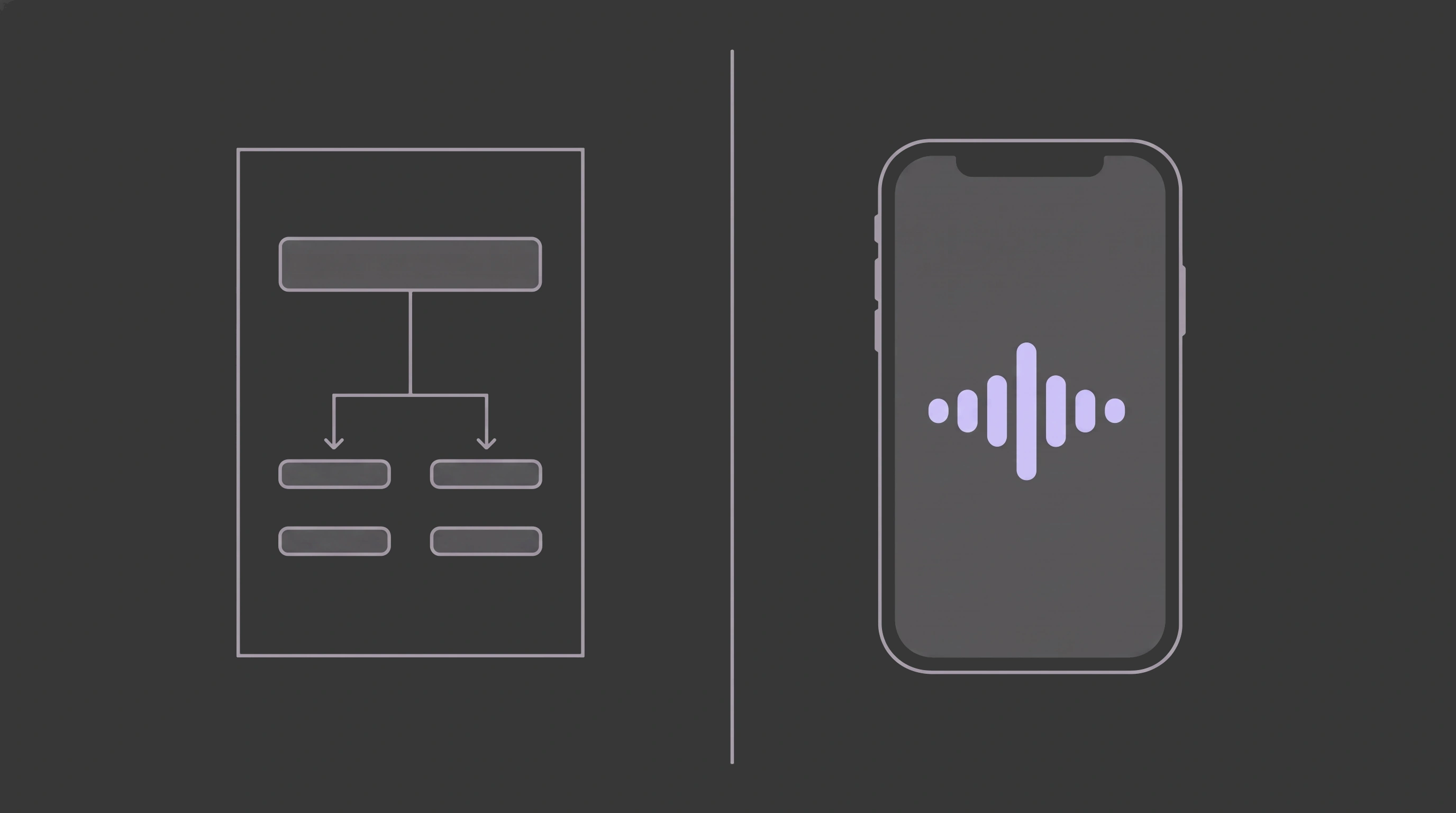
Read that table as a fork, not a scoreboard. If the row that matters most to you is "breaking down one task on demand," Goblin Tools wins on simplicity and price. If it's "voice" or "task-manager sync" or "getting unstuck," that's the lane BrightMind was built for.
Goblin Tools vs ChatGPT
People also compare Goblin Tools to ChatGPT, and the short answer is that ChatGPT can do far more in general but Goblin Tools is purpose-built and friction-free for one job. ChatGPT is the general assistant with all the power and all the overhead; Goblin Tools is the one-button version. Different jobs.
You could ask ChatGPT to break down a task, and it will, but you have to write the prompt, steer it, and ignore everything else it can do. That surface area, the drafting and coding and chatting about anything, is powerful, and also a lot to face when you're already overwhelmed. Goblin Tools gives you one button labeled, in effect, "make this task smaller," with a spiciness dial for how far to go. For a frozen brain, fewer choices is the feature. There's no shame in keeping both around.
Is BrightMind a good Goblin Tools alternative?
Pick Goblin Tools if you want a free, no-account, text-first tool that breaks one task into steps fast, and you don't need it inside your task manager. Lean toward BrightMind if the harder problem is getting unstuck, you'd rather talk than type, or you want the steps saved automatically to BrightMind's own task list or synced into Todoist or TickTick.
Goblin Tools is an easy recommendation, and I mean that. If your whole problem is "this task is too big and I can't see the steps," Magic ToDo solves that, costs nothing on the web, and asks nothing of you. Plenty of people will read this far and rightly decide they're set.
The BrightMind case comes down to one thing: voice changes the math when the task is a blurry knot in your head. Saying it out loud forces it into order in a way that staring at a text box doesn't, and the guided Unstuck flow is built for exactly the moment you're frozen rather than just curious about steps. That's the wall worth naming, the one where you can't start at all, you think out loud better than you type, or you want the steps in BrightMind's own task list, Todoist or TickTick without a copy-paste.
Honestly, a fair number of people use both. Goblin Tools for a quick one-off breakdown at the desk, BrightMind for the morning where you can't get going and need to talk your way into motion. They don't cancel each other out.
If the "can't start at all" version is the one that keeps catching you, and especially if you're wondering whether ADHD is part of the picture, a free self-screen like the ASRS-5 is a low-stakes first step. A screener isn't a diagnosis, but it's a useful data point to bring to a clinician.
A quiet invitation
I'm not going to oversell this. If Goblin Tools fits your brain, use it, and I'll be glad it exists for you. It's good, it's generous, and it helps real people every day.
But if you read the part about talking a task out loud and felt something click, that's the thing BrightMind was built around. You talk, it listens, it hands you one small thing to do next, and it drops the result into BrightMind's own task list, or into Todoist or TickTick if you use them, so it doesn't vanish from your head. There's a free tier, so trying it costs nothing but a couple of minutes. Take a look at BrightMind, or don't, and steal the spiciness trick from Magic ToDo either way. The point was never the app. It's getting you moving.
References
- De Buyser, B. About. Goblin Tools. Retrieved 2026-06-04. ("goblin.tools is offered free and available to all. It will stay free without ads or paywalls.") goblin.tools/About
- De Buyser, B. Home (tool list). Goblin Tools. Retrieved 2026-06-04. goblin.tools
- De Buyser, B. Magic ToDo (spiciness levels). Goblin Tools. Retrieved 2026-06-04. ("The spiciness level gives the tool a hint about how hard or stressful you find the task. The spicier, the more steps it will attempt to break it down into.") goblin.tools/ToDo
- Skyhook Belgium. Goblin Tools (official Android app). Google Play. Retrieved 2026-06-04. Google Play
- Skyhook Belgium. Goblin Tools (official iOS app). App Store. Retrieved 2026-06-04. App Store
- Understood.org. How to break down work projects and tasks into steps that won't stress you out. Retrieved 2026-06-04. understood.org
- CHADD (Children and Adults with Attention-Deficit/Hyperactivity Disorder). Executive Function Skills. Retrieved 2026-06-04. chadd.org
Frequently asked questions
- What is the goblin Tools app for ADHD?
- Goblin Tools is a set of small, single-purpose AI tools made for neurodivergent people who find tasks overwhelming. Its best known tool, Magic ToDo, takes a vague task and breaks it into concrete steps. It also reformats messy text, estimates how long things take, and turns a brain dump into a list.
- Is there a free version of goblin Tools?
- Yes. As of this writing the website at goblin.tools is completely free with no ads and no paywalls, according to the creator. Every tool, including Magic ToDo, works in your browser for free. The paid mobile apps exist mainly to help cover running costs and keep the website free for everyone.
- What are goblin tools used for?
- People use Goblin Tools to break overwhelming tasks into small steps, soften or sharpen the tone of a message, gauge the emotion in a piece of text, estimate how long a task will take, and turn a messy brain dump into an ordered list. Each tool does one job and nothing else.
- What is a good alternative to Goblin Tools?
- It depends on what you're missing. For free one-off breakdowns, a general chatbot like ChatGPT asked to 'break this into tiny steps' works much the same way. If you want the steps saved to a task list and something that checks in when you're stuck, BrightMind does that by voice or text. Tiimo suits people who plan visually.
- How much does the goblin tools app cost?
- The Goblin Tools website is free. As of this writing the official mobile apps on iOS and Android, published by the same creator, cost a small one-time price that varies by region and store, and exist to fund the free site. Beware copycat apps that charge recurring subscriptions; use the links on goblin.tools.