10 minute timer
A short sprint, a screen break, or a clean start on something bigger.
10:00
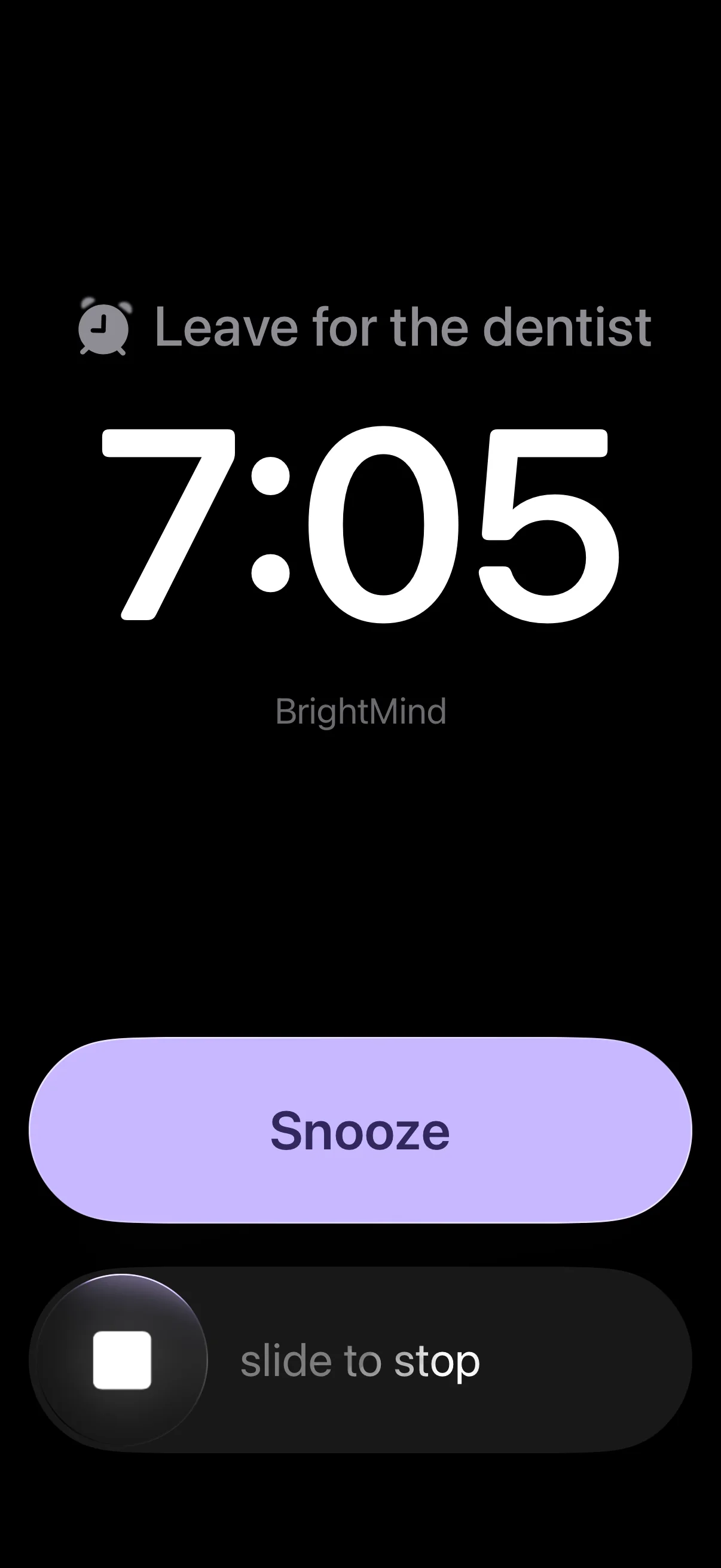
Want it to ring like an alarm, and call you for the next one?
BrightMind rings like a real alarm when it is time, then calls you to help you start what is next.



What a 10 minute timer is good for
A short sprint
Ten focused minutes on one task, then decide if you want ten more.
Screen break
Step away from the screen and come back when it rings, not an hour later.
Tidy one surface
The desk, the sink, the chair with the clothes on it. Just that one.
Plan your day
Write the three things that matter today before the disk empties.
Get ready to leave
Shoes, keys, bag. Ten minutes is the window, not a guess.
Why a timer you can see helps
Ten minutes as a number is abstract. Ten minutes as a disk that gets smaller is something you can feel. For a lot of people, and especially for ADHD brains, that difference is what makes starting possible: the end is in sight before you begin.
Seeing time drain also makes transitions easier. You know a change is coming, so it does not arrive as a surprise. That is why visual timers are a staple in classrooms, therapy and ADHD coaching.
Questions
Does the timer keep running in another tab?
Yes. It counts against your clock, not by ticking, so it stays accurate when you switch tabs or lock your screen. The time left shows in the tab title.
Will it make a sound?
A soft three-note chime always plays at zero. Turn on Ticking if you also want a quiet tick every second. Your browser needs the page to stay open for the sound to play.
Can I add time to a 10 minute timer?
Tap +1 to add a minute while it runs. When it ends you can start it again or add five more minutes.
Is there a keyboard shortcut?
Space starts and pauses, R resets, and F goes full screen.