A BrightMind that knows you
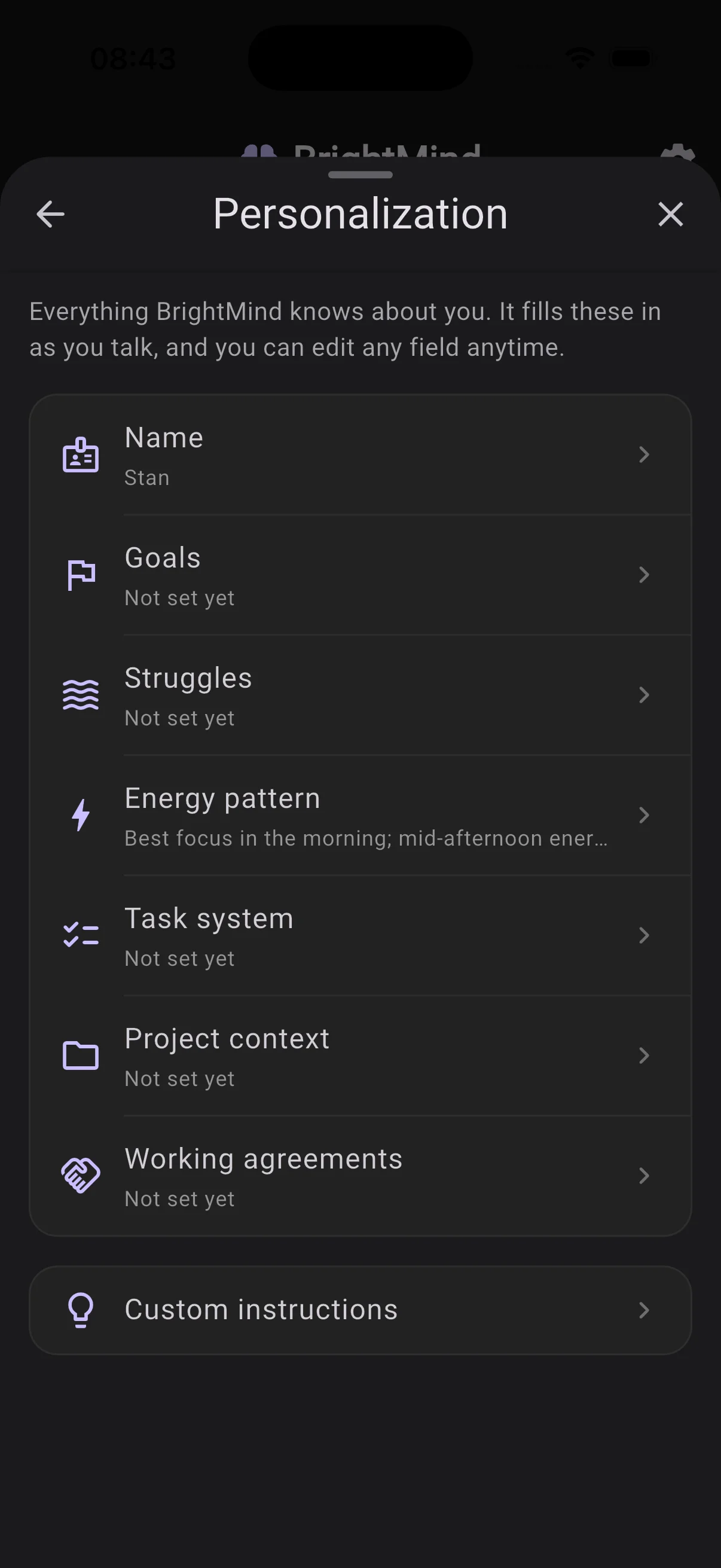
BrightMind now keeps a profile of who you are: your goals, what gets in your way, your energy patterns, how you track tasks. It draws on all of it in every chat and call, so the help fits you. It learns by listening, starting with a short welcome call right after signup, and everything it remembers lives in Settings → Personalization, where you can read, edit, or switch off any field.
Capture anything with Siri
Say "Hey Siri, capture in BrightMind" and dictate whatever's on your mind, even several things at once. BrightMind files each one as a task, event, or note, then confirms by notification. It works hands-free from the Lock Screen, AirPods, and CarPlay, with nothing to set up.
7 smaller changes4 improvements, 3 fixes
Improvements
UI
- BrightMind now uses one consistent bottom navigation bar everywhere, so your main sections stay one tap away no matter the screen.
AI
- The agent is warmer but more honest: it won't invent details it doesn't have, and when a lookup comes back empty it tells you plainly instead of guessing.
Integrations
- If your connected task manager loses its connection, BrightMind now lets you know so you can reconnect in Settings, instead of quietly failing in the background.
Performance
- Trimmed the agent's tool setup and removed an extra round trip for the current time, so replies start a touch faster.
Fixes
General
- Unsupported video attachments are now rejected with a clear message instead of silently vanishing from the conversation.
- Tapping the mic with the keyboard open no longer causes a brief hang on iOS during dictation.
Calls
- Scheduled calls that were briefly missed are now caught up rather than stranded, and a call set for a time that has already passed no longer hangs in limbo.