A better memory
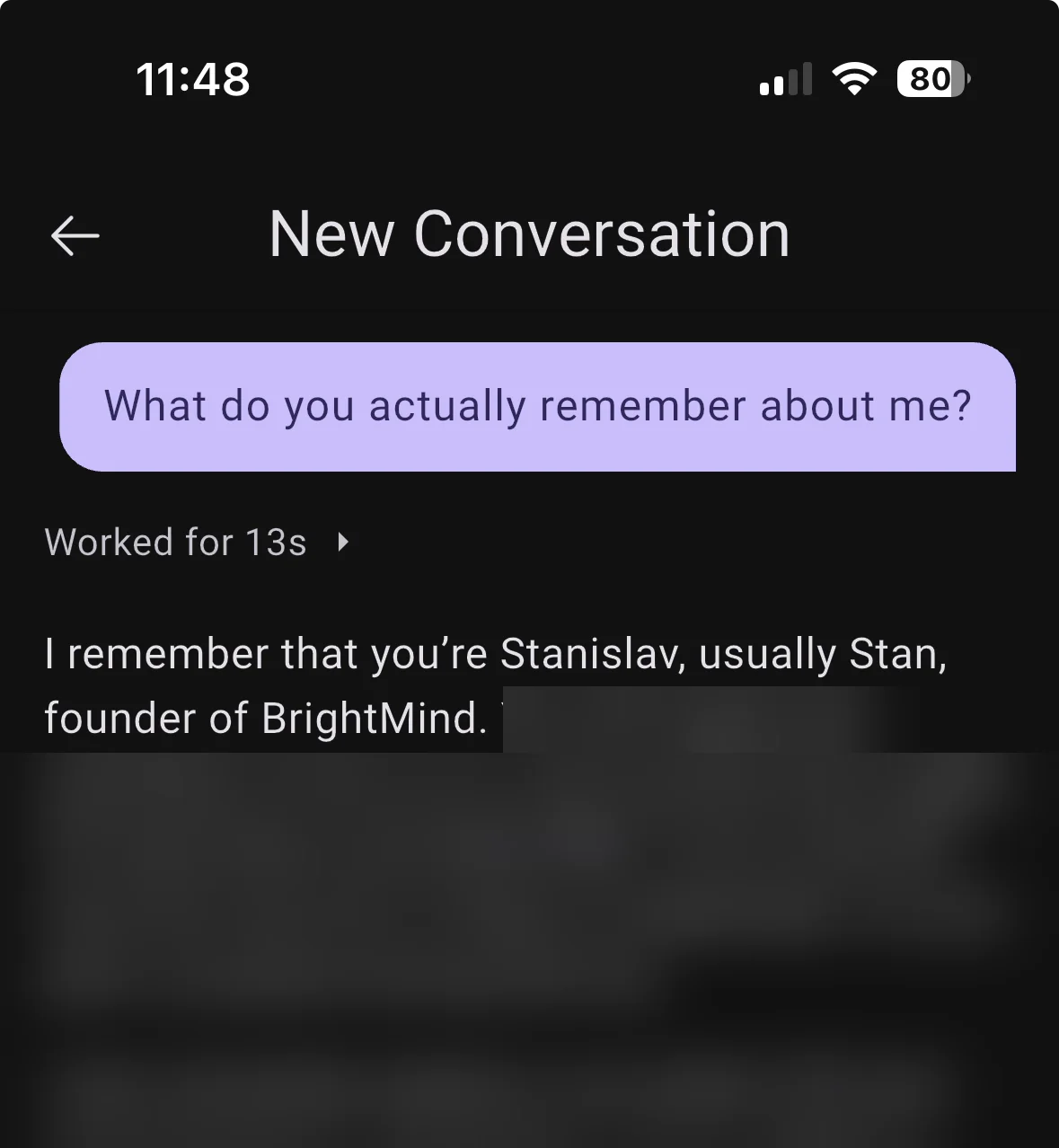
Memory just got simpler and more powerful. There is no profile to fill in and no need to ask BrightMind to remember something. It just will: whatever you tell it and whatever you agree on, in a chat, on a call or in a brain dump, stays remembered.
Your list colors, on Home
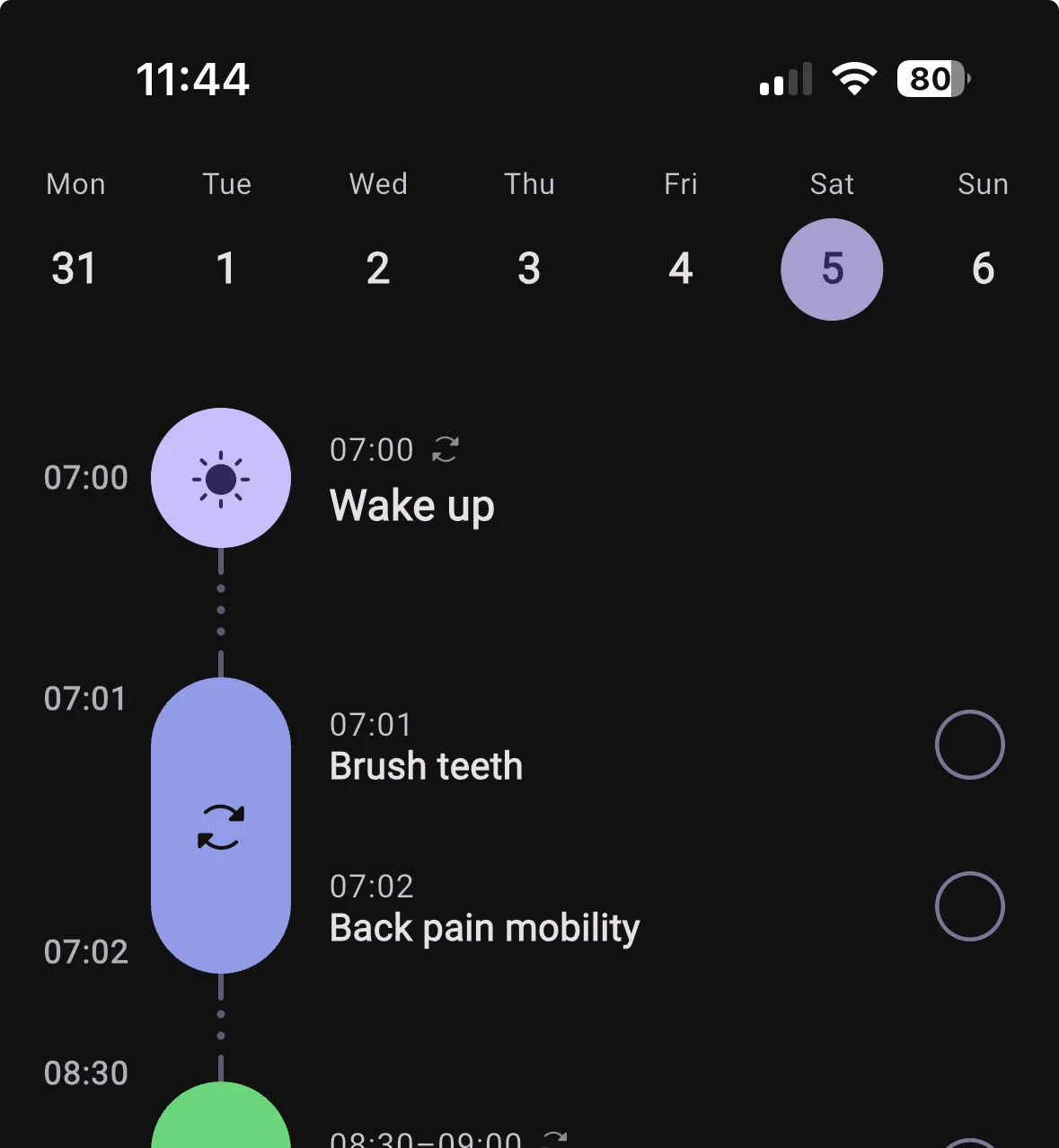
If a list or project has a color in Todoist, TickTick or Google Calendar, its items now show up on Home in that color. One glance tells you which part of your life each item belongs to.
Bedtime after midnight stays on today
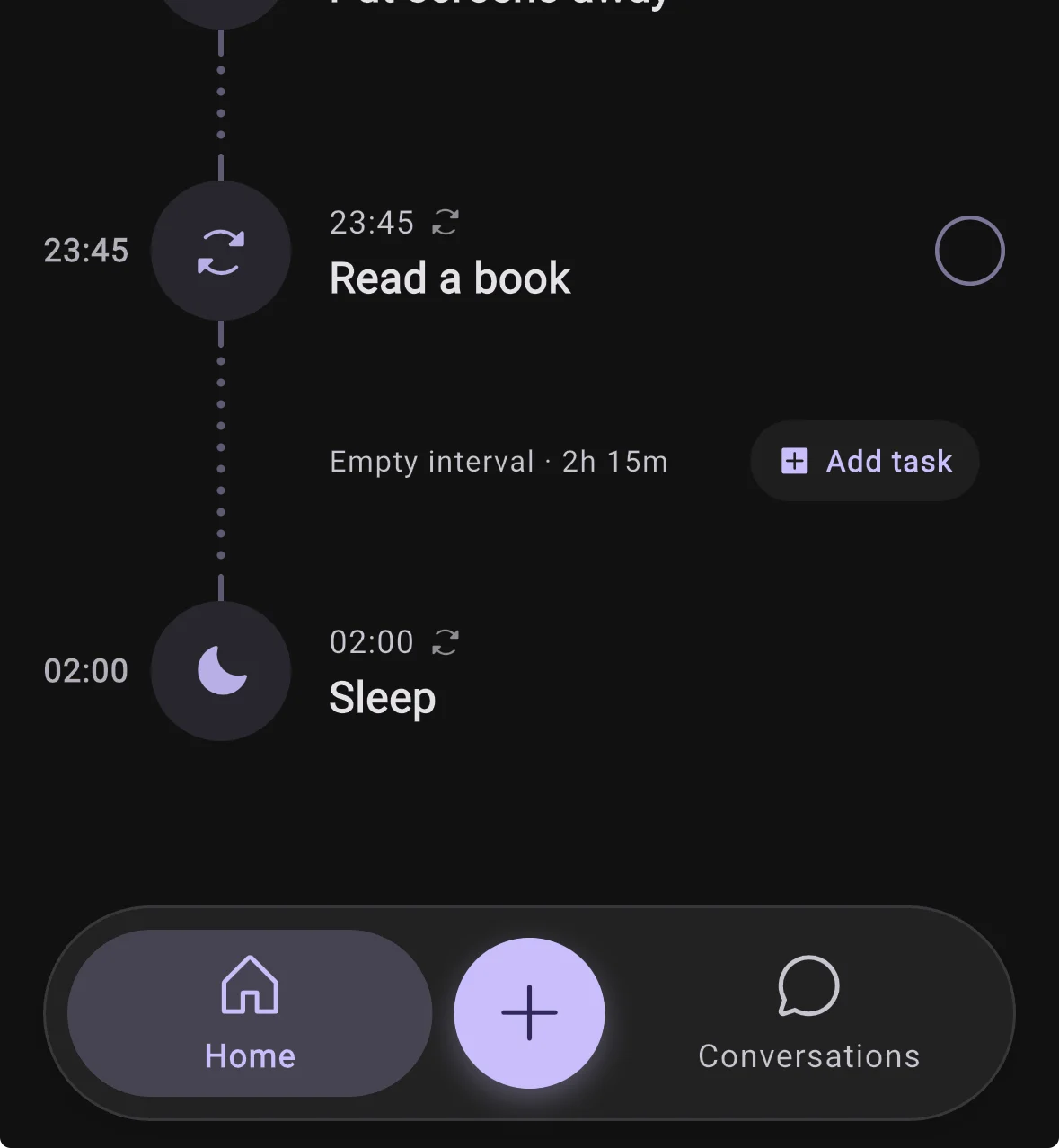
Set your bedtime to 2am and it shows on today's timeline, after your evening routine, instead of vanishing into tomorrow. Your day now ends when you actually go to sleep.
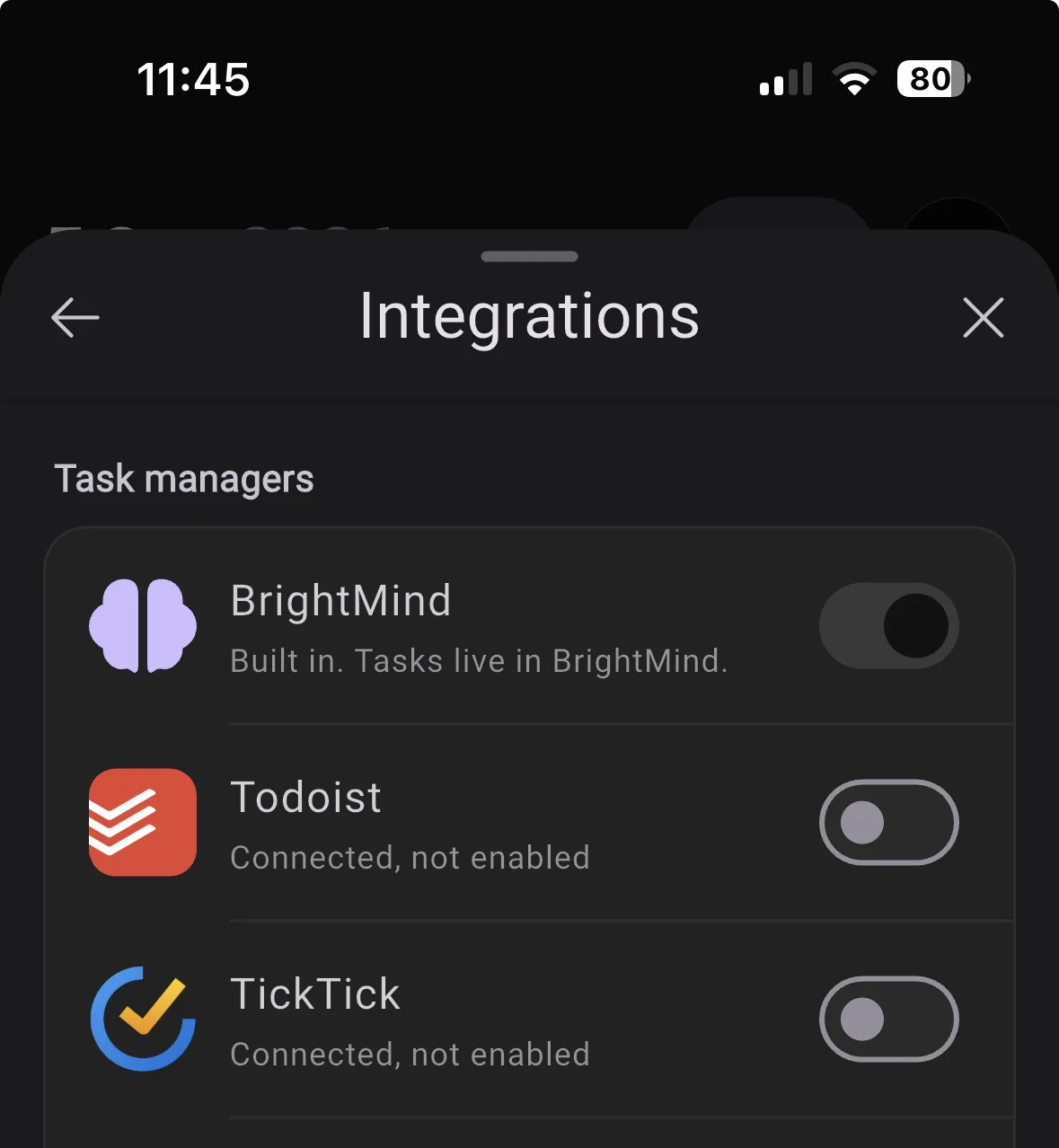
BrightMind now has its own tasks
Tasks, lists, subtasks, repeats and reminders live right in BrightMind and show up on Home, in your briefing and in the @ picker like everything else. It is already a better fit than Google Tasks. If you use Todoist or TickTick, stay with it for now, that is still the better experience.
This is the start of a task manager built for ADHD brains, with BrightMind doing the remembering, the nudging and the breaking down for you. Every task with a time gets a reminder that survives rescheduling, and tapping it lands you on the task.
34 smaller changes18 improvements, 16 fixes
Improvements
Flows
- Setting up is a ten minute conversation, not a form. It invites a brain dump, asks about your working style, and ends by building something with you. Connecting tools is a step you can skip.
- Digging out of a backlog lists every overdue item numbered, with four choices each, and books real free slots in your day.
- A Break it down action on any task splits it into small steps, shows them first, and saves them as subtasks once you confirm.
AI
- BrightMind can ask questions you answer with a tap: options, ranked priorities, your own words, or skip. After a yes or no question, a suggested reply appears above the composer.
- Ask BrightMind what it is, what it can do or what it costs, and it answers from its own knowledge instead of searching the web.
- BrightMind checks the weather and remembers your home city. Send a link and it reads the page.
- A task or event BrightMind mentions in chat links to the real record, so tapping it opens that exact item.
- Chat runs on a newer model for everyone, free plan included.
Calls
- On a call BrightMind stops narrating what it is about to do. One short filler, then the result. Ask it to tone down and it stays down.
- No more internal jargon spoken on calls. No inbox, no priority 1, no not set.
- Ask whether a scheduled call actually rang and you get a real answer, recurring ones included.
- Call transcripts show one message per thing you said, not a sentence chopped into fragments.
UI
- Tap an overdue pile on Home for a full sheet you can work through, with one button to hand it all to BrightMind.
- Pick which day your week starts on and a 12 or 24 hour clock. Home, the habit grid and repeat chips follow on every device.
- A haptic feedback toggle, a wake and sleep editor for one day or every day, profile editors that say how much to cut, and a bottom bar that stands out.
Integrations
- Google Tasks is available to everyone again.
- Task management and Calendar merged into one Integrations page, with BrightMind's built in tasks as an option.
- BrightMind works with TickTick countdowns and focus sessions and reads more task fields. Todoist gained skip this occurrence.
Fixes
AI
- Sending a photo or screenshot no longer leaves the reply spinning. Scanned PDFs are read as pictures instead of coming back empty.
- Dumping a long list where one item needs a follow up no longer drops the others.
Calls
- A call whose connection dies ends visibly within seconds instead of leaving you holding dead air.
- Answering a scheduled call late, or calling back afterwards, works instead of failing on an expired invitation.
Performance
- No more iOS freeze when a call starts or ends, and requests keep working after you background the app.
- Ticking a habit or task off Home updates your briefing right away.
- Swiping between days on Home no longer makes the timeline jump in height.
Integrations
- Recurring Todoist tasks keep their time and repeat rule when edited. TickTick subtasks are created in the order you said them.
- Moving a calendar event keeps its duration, a partly failed batch is not reported as success, and deleting an event you do not own is guarded.
- Editing a TickTick task keeps its tags and checklist.
Flows
- A bare date like Friday creates an all day task, not a midnight one that clashes with real appointments.
- New recurring tasks count their next occurrence from when you actually finished, so a late chore stops piling up.
- A repeating task you missed shows as today's occurrence, not a pile of overdue debt.
General
- Crisis support lines are spoken in your own language.
- The app no longer asks iOS for a location permission it never used.
- The first onboarding message loads on the first try, the Plus screen shows once, and the Conversations tab opens your list.