Ask once, and it keeps happening
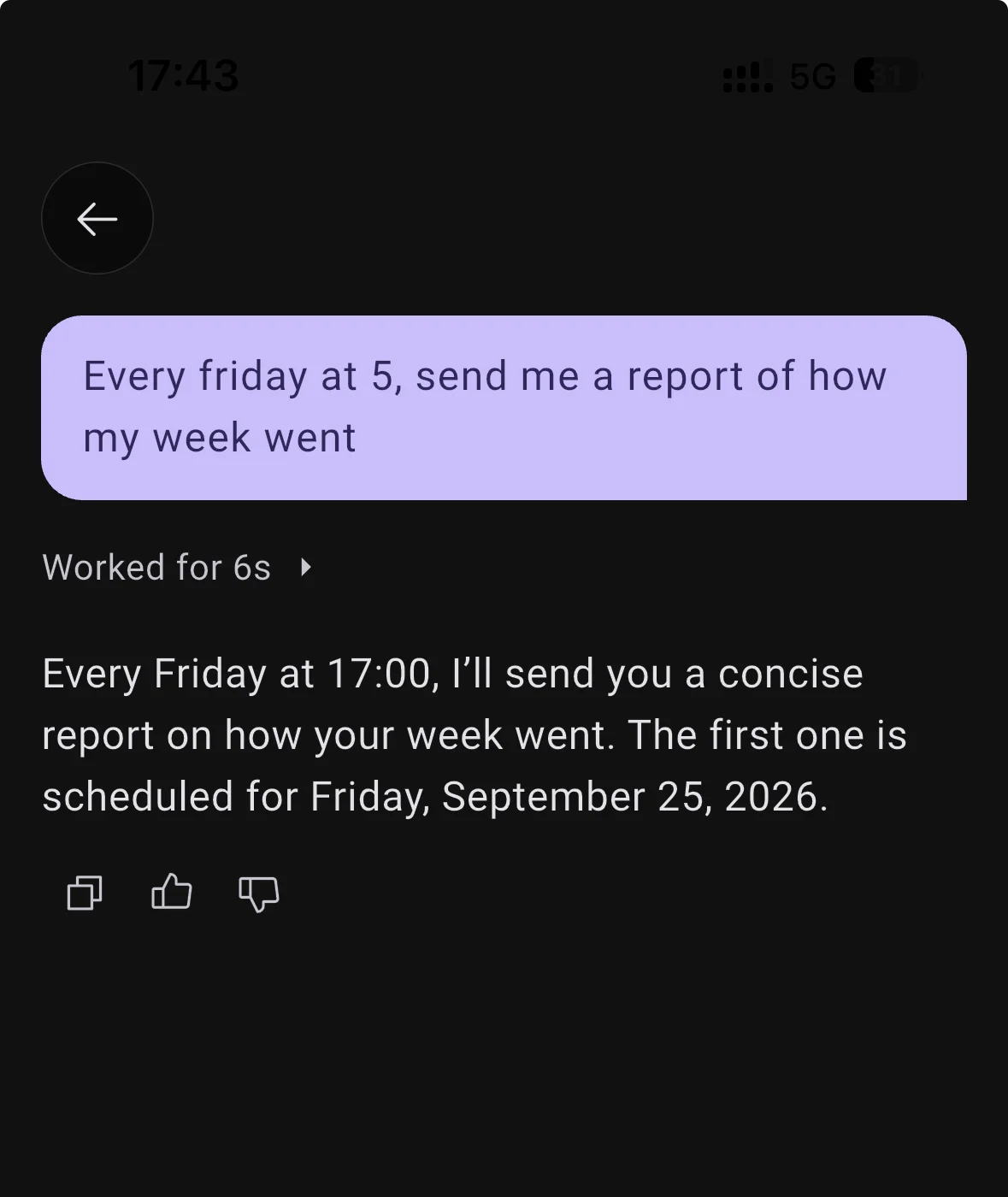
Say "every Friday send me a report of my week" or "check in with me every morning at eight", and it sets itself up. No builder to fill in: you change it the same way you made it.
A run is a real turn, so it can go and do the work rather than send a canned line, and it stays quiet if there is nothing worth saying.
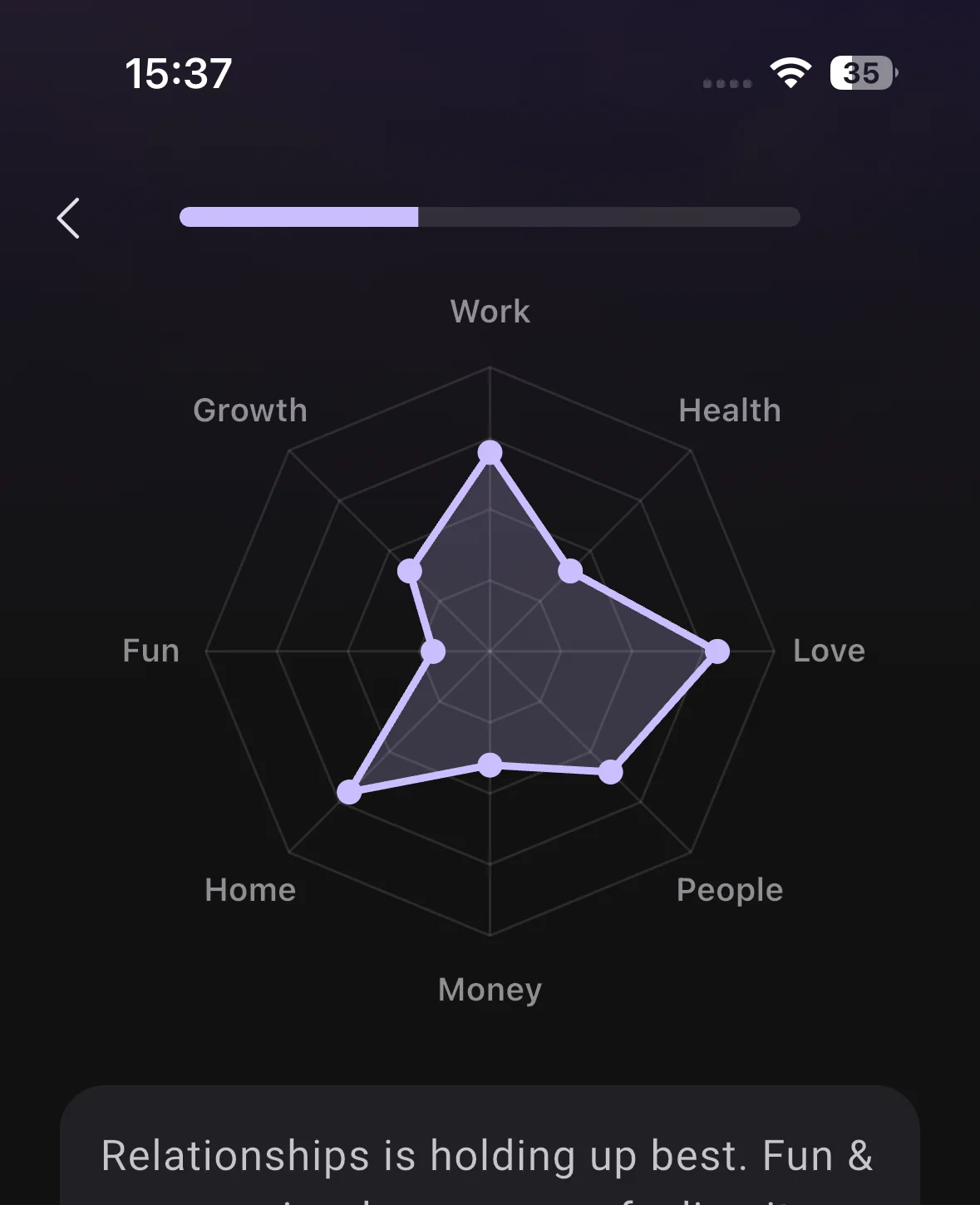
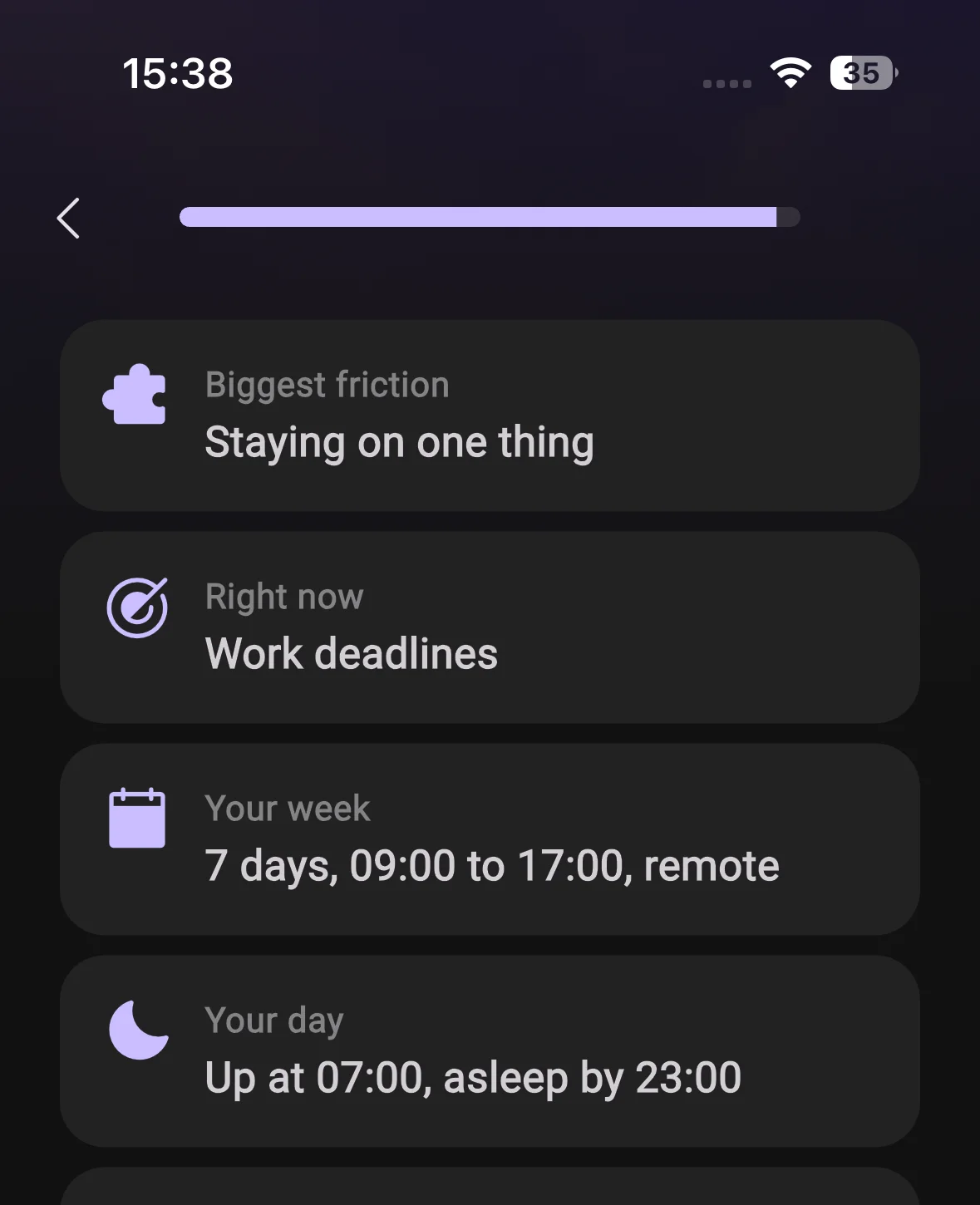
A new way in
Short, clear screens instead of a chat that interviews you, ending with your daily check-in set up at a time you pick. Your answers save as you go.
Go through it again any time from Settings, Account, Show onboarding again.
Voice lives in the conversation now
Calls start in place, and what you said out loud lands in the thread as ordinary messages you can scroll back through.
New voice engine underneath, twelve voices, and no greeting on a call you started yourself.
14 smaller changes7 improvements, 7 fixes
Improvements
Calls
- Your daily check-in is set up during onboarding and is a normal automation afterwards, so you can move or pause it in conversation.
- What you say on a call arrives as one clean bubble instead of landing in pieces as you speak.
- The voice picker now offers the twelve voices the new engine actually supports, instead of listing ones that never applied.
AI
- BrightMind can change any of your settings from a chat or a call. Ask it to turn something on and it does it, rather than telling you where to tap.
- Images you send are read at full detail instead of being downscaled first, so screenshots and handwriting are legible to BrightMind.
- BrightMind carries more of the conversation you are currently in, so it loses the thread less often in a long back-and-forth.
UI
- Android 12 and later open on a proper BrightMind mark instead of a blank screen, and static branding is consistent across the app.
Fixes
Calls
- Calls on Android could come through silent. Fixed.
UI
- Pinned conversations and everything past your hundredth thread load again instead of going missing from the list.
- The connecting spinner no longer jumps, and the voice orb lands cleanly when a call opens.
General
- Your timezone is reported as a real zone such as Europe/Amsterdam rather than an offset, so scheduled things land at the right local time across daylight-saving changes.
AI
- BrightMind stopped sending you to Settings screens that do not exist, and calendar events go to the calendar you picked.
- A brain dump is written down in the turn that reads it back to you, so nothing is lost between the two.
Integrations
- Turning a calendar account off, or one needing to be reconnected, no longer produced error noise.