Due dates, and tasks that wait their turn
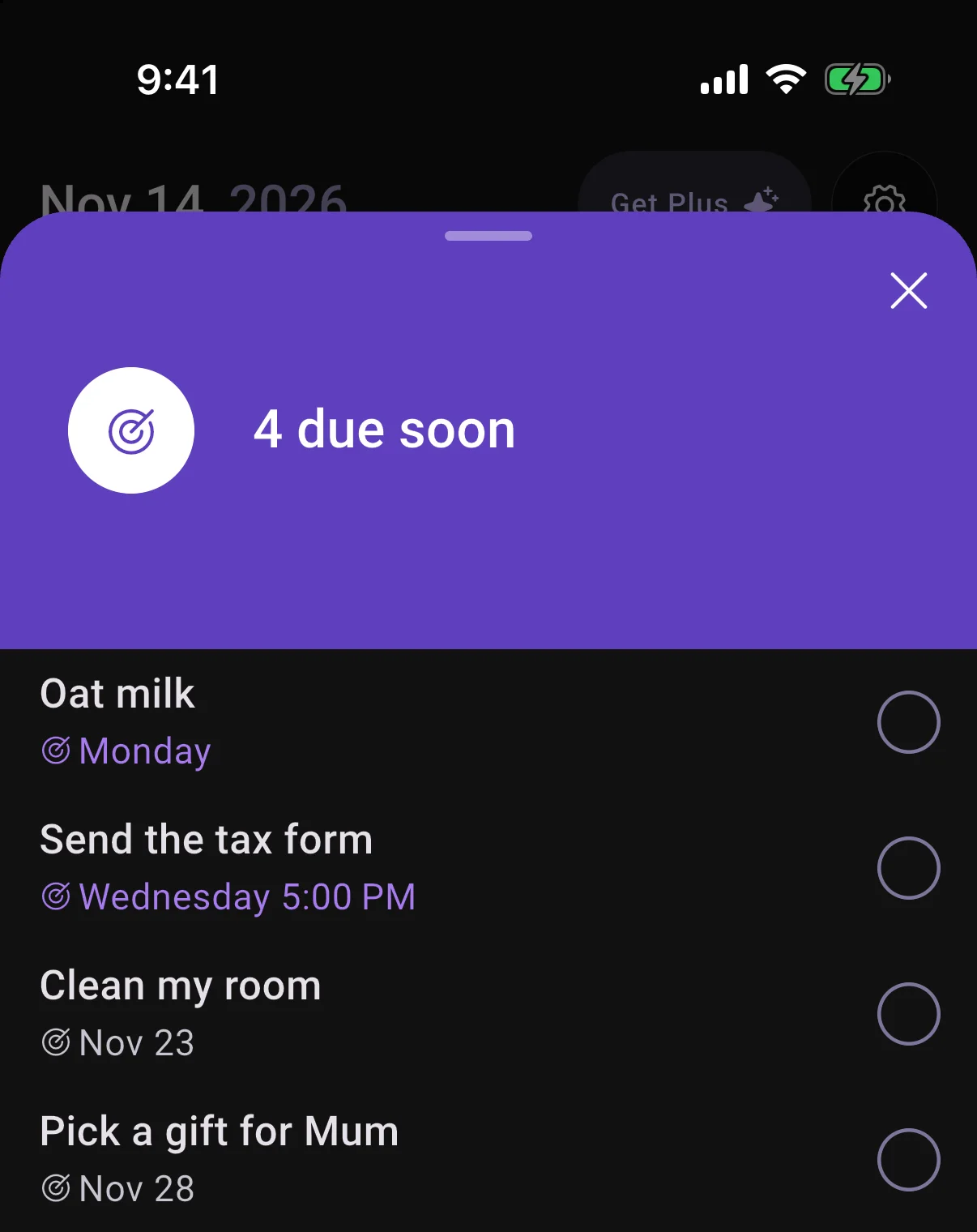
Give a task a Due date and it shows under Due soon on Home as the day gets close.
Defer a task you can't start yet and it stays out of your way until that day.
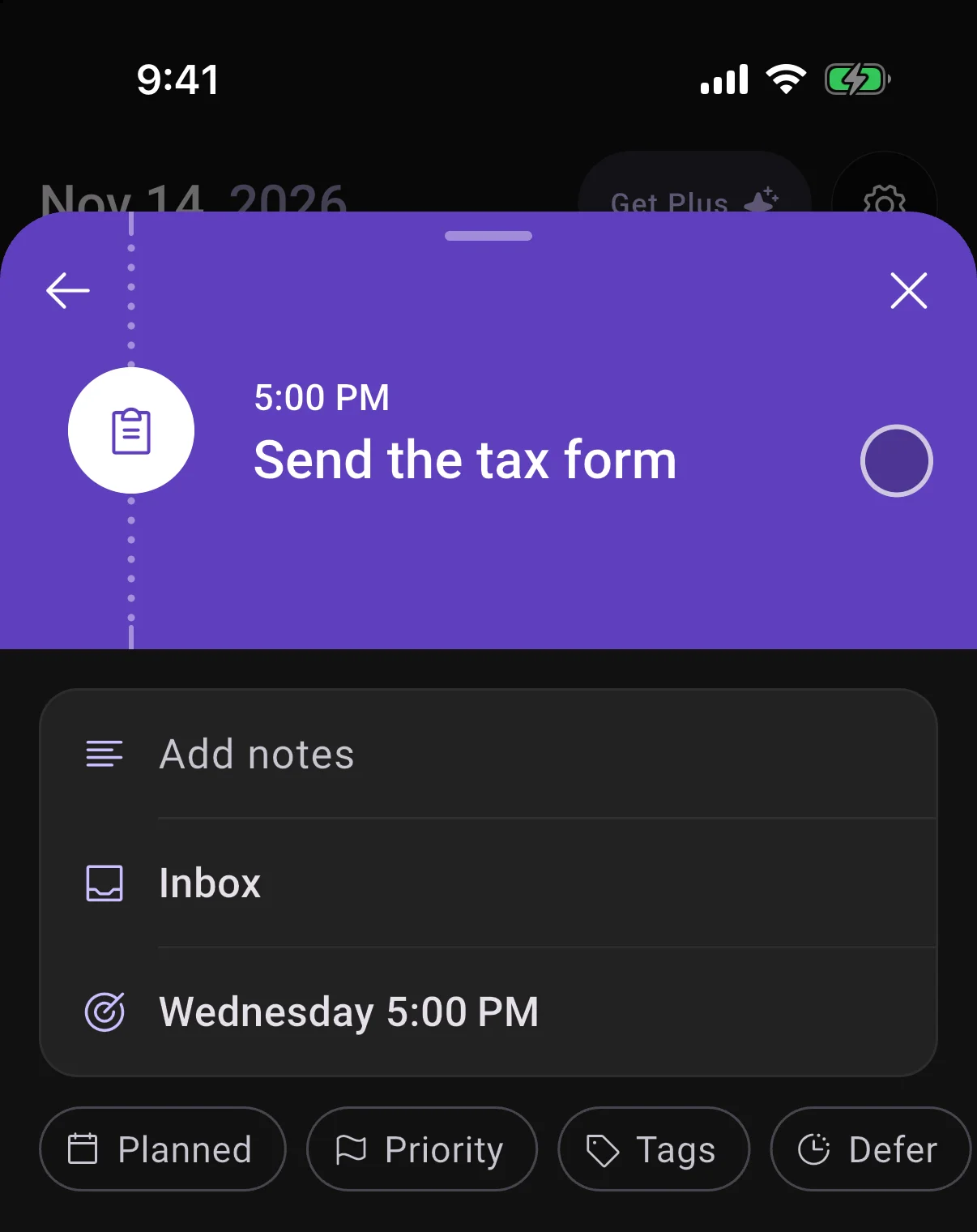
Change anything on a task, right where it opens
Tap a row to change the list, the planned day, reminders and more. Add a due date, defer it, or add subtasks without leaving the task.
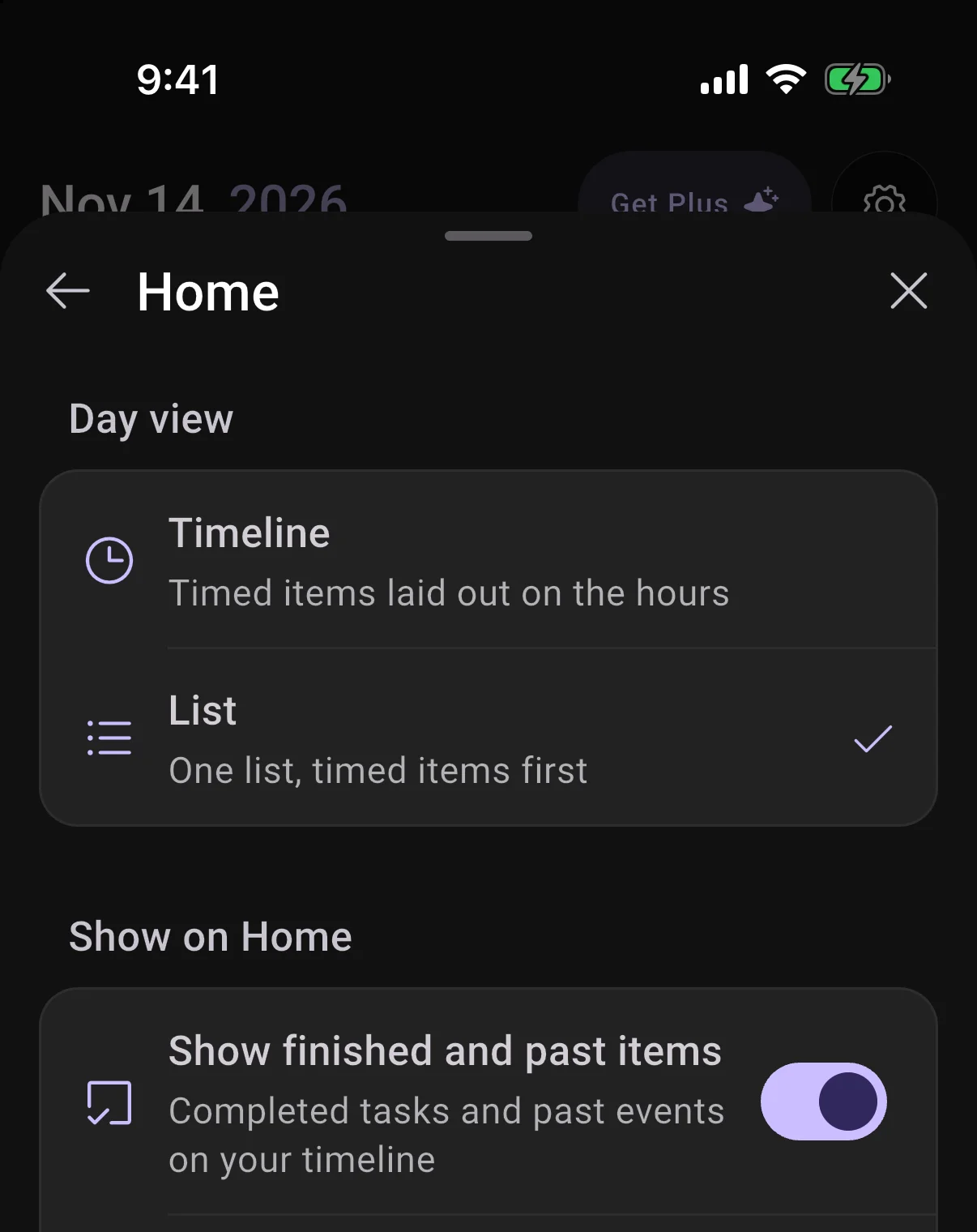
See your day as a timeline or a list
Press and hold the Home tab to switch, or pick it in Settings under Home.
6 smaller changes3 improvements, 3 fixes
Improvements
UI
- Change how long one day of a repeating block runs without changing the rest of the series.
- Long messages you send in chat fold up, so the conversation stays easy to scroll.
Flows
- Onboarding now suggests a first step from the parts of life you most want to work on.
Fixes
Calls
- A scheduled call you accept opens once you are back in the app, not behind it.
Integrations
- Your lists stay on Home when TickTick is slow to answer.
UI
- The timer countdown on Samsung phones no longer gets stuck.