9 Focusmate Alternatives for ADHD (Free and Camera-Free Options Compared)
Stan · · 8 min read
Nine Focusmate alternatives for ADHD, sorted by why you're leaving: cheaper, camera-free, no booking, or more structure. Prices, free tiers and honest tradeoffs.
Focusmate pairs you with a stranger on video for 25, 50, or 75-minute work sessions. It works well for a lot of ADHD brains, but the camera and the booked schedule don't work for everyone. This page compares what to switch to, organized by why you're leaving: cheaper, camera-free, no scheduling, or more structure.
| Option | Price | Free tier | Camera | Scheduling | Best for |
|---|---|---|---|---|---|
| BrightMind (that's us) | Free plan, paid Plus tier | Yes | None, no video | You set reminders and check-in calls | Your real problem is starting tasks |
| Focusmate (baseline) | $8/mo yearly, $12 monthly | 3 sessions/week | Required | Book ahead | The classic 1:1 video format |
| Cofocus | Around $5/mo (not verified) | 3 sessions/week | On | Book ahead | Same 1:1 format for less |
| Flow Club | $40/mo or $33.33/mo yearly | Free trial | Encouraged, can turn off, chat-only sessions | Book ahead | Hosted group structure |
| Caveday | $35/mo | 2-week trial | Encouraged, everyone muted | Hop-in sprints, 7 days a week | Coach-led sprints |
| FLOWN | Not verified, check site | 4 sessions/mo plus Fridays, 30-day trial | Looser, not strictly required | Drop-in room and booked sessions | Biggest session library |
| FocusLive | Free for core features | Yes, no account needed | None | Drop in any time | Zero-friction ambient company |
| StudyStream | $6.99/mo Premium on iOS | 1 hour a day | On, rooms are cameras-on | Drop-in 24/7, sessions bookable | Students who want a crowded-library vibe |
| Forest (Plant Together) | Plus varies by region | Free core features | None | You start the room | Focusing with a friend, with stakes |
| YouTube / Discord | Free | Everything | Only the streamer's or host's | Drop-in | Zero-budget fallback |
Each section below explains the details and tradeoffs, and the Best pick by situation section at the end maps your reason for leaving to a specific option.
Focusmate first: the baseline you're leaving
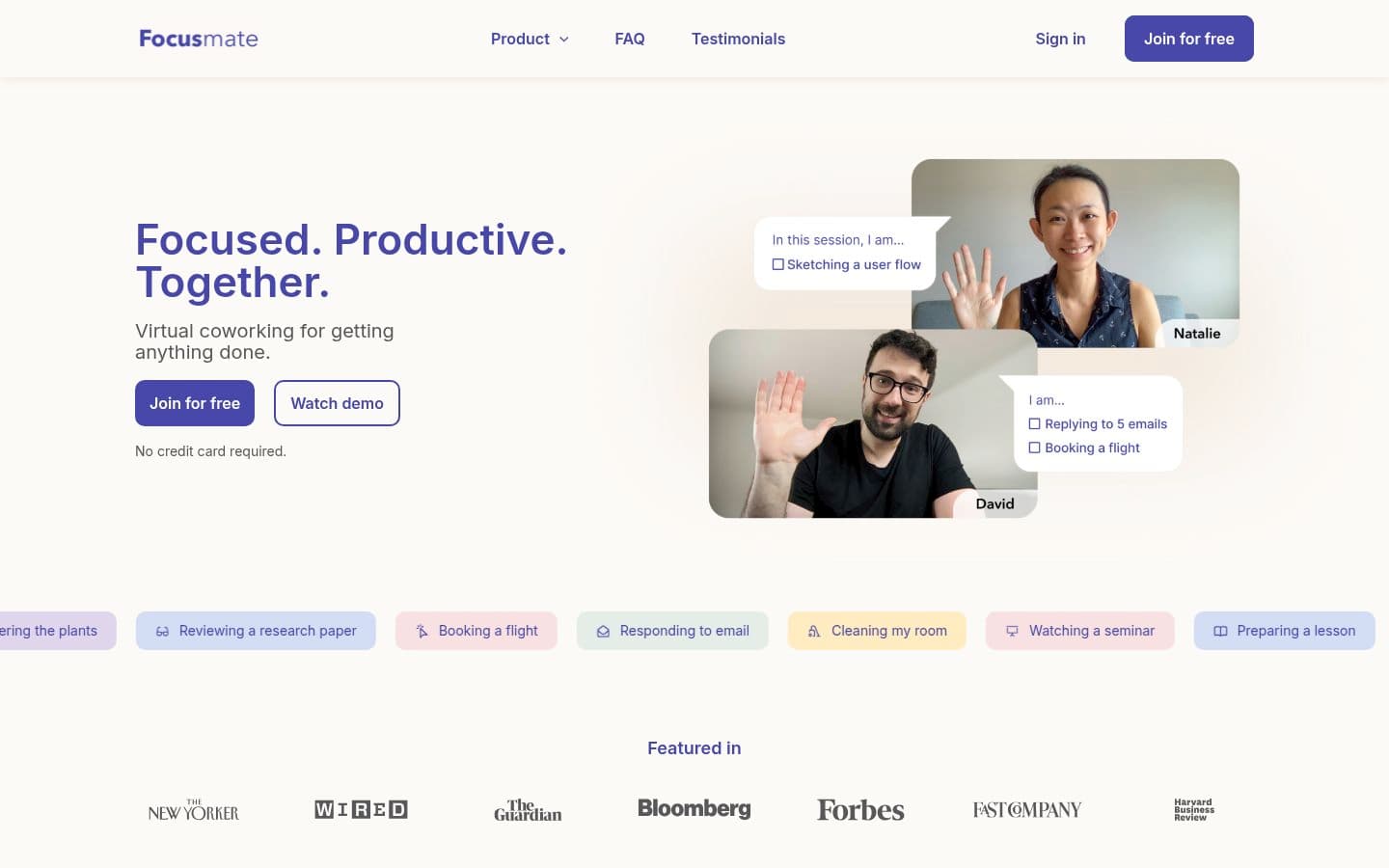
Focusmate is the tool most people mean when they say "body doubling app." You book a session, get matched with a partner, spend a minute saying what you'll work on, work in silence with cameras on, then check out. Sessions run 25, 50, or 75 minutes.
 Process: Focusmate first: the baseline you're leaving (3 steps)
 Screenshot of the homepage of Focusmate
Pricing is straightforward. The free plan gives you 3 sessions a week, and Focusmate Plus is $8/month billed yearly or $12/month billed monthly for unlimited sessions. That's on Focusmate's own pricing page.
So why look elsewhere? The three reasons readers name most:
- The camera. You have to show your face to a stranger. For many people with ADHD, that's enough friction to skip sessions entirely.
- Scheduling. You book a slot in advance. If your day goes sideways, you either miss the session or skip it.
- It only helps you start. A session gets you working for 50 minutes. It doesn't plan your day, hold your task list, or remind you what's next.
If reason 3 is your problem, no live-video app fixes it. That's worth knowing before you compare prices. If you're new to the whole concept, start with what body doubling is and why it works for ADHD.
BrightMind: a camera-free app that works on starting, not just working
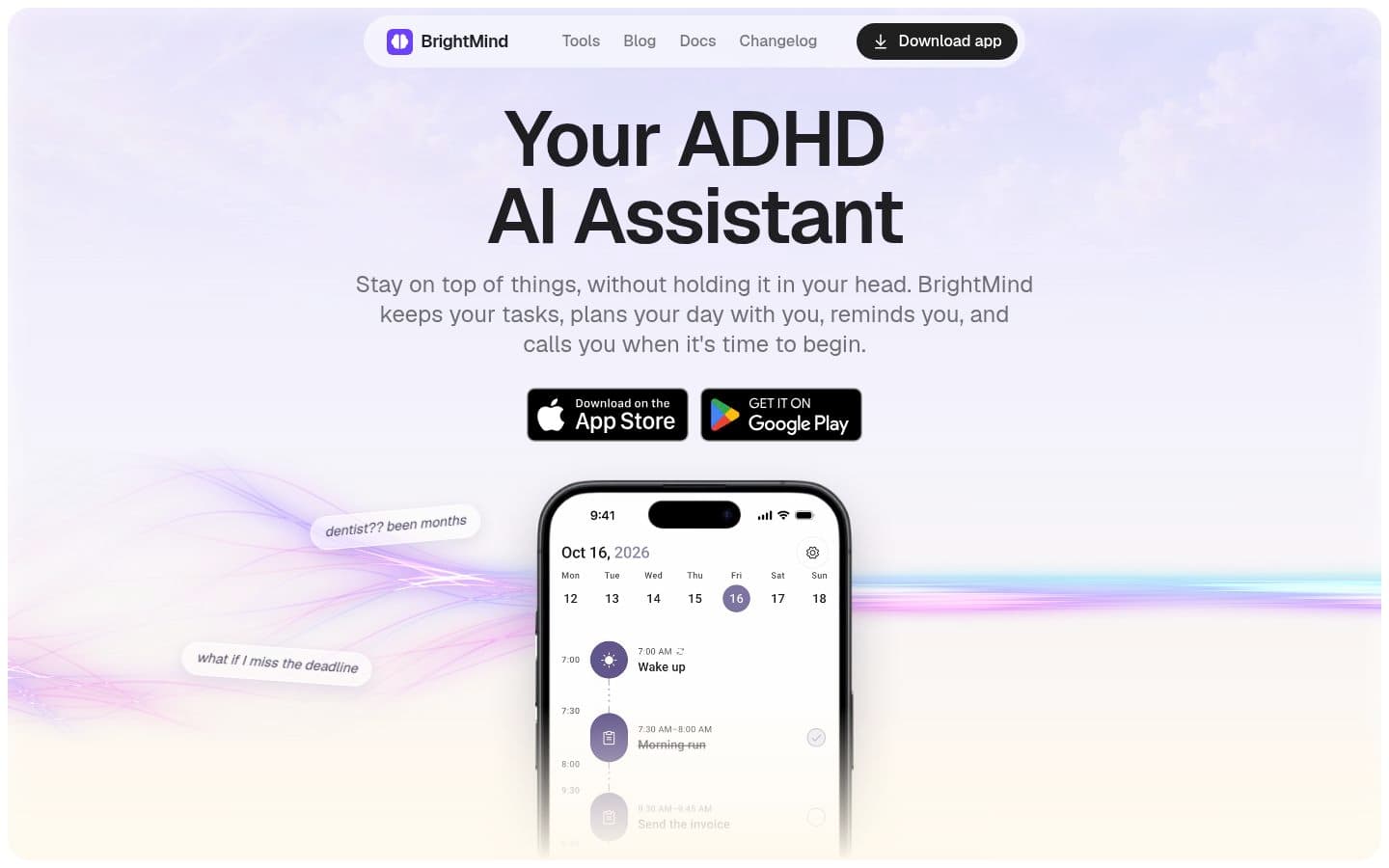
BrightMind is an AI assistant app for people with ADHD on iPhone and Android. Instead of pairing you with a human on video, it handles the part that usually breaks first: task management, day planning, and getting started. It manages tasks, due dates, subtasks, repeats and reminders, plans your day from your tasks and calendars on a timeline, and breaks procrastination or ADHD paralysis into smaller next steps.
 Screenshot of the homepage of BrightMind
The feature closest to Focusmate's format is scheduled check-in calls. The app calls or reminds you to start tasks you've committed to. It's the same accountability idea with the camera and the stranger removed. We explain that format in detail in our guide to apps that call you to check in.
Honest tradeoff: you don't get a live human watching you work, and some people genuinely need that social pressure. BrightMind solves the "I never start" problem, not the "I start but drift without an audience" problem. There's a free plan, with a paid Plus tier; the current details are in BrightMind's Free vs Plus docs.
Cofocus: the cheapest same-format clone
If you like Focusmate's format and mainly want to pay less, Cofocus is the near-match. It's a web app that pairs you for 50-minute, one-to-one video sessions. You book a time on the calendar, get matched, greet your partner, work, then debrief when a bell ends the session. Video stays on, same as Focusmate.
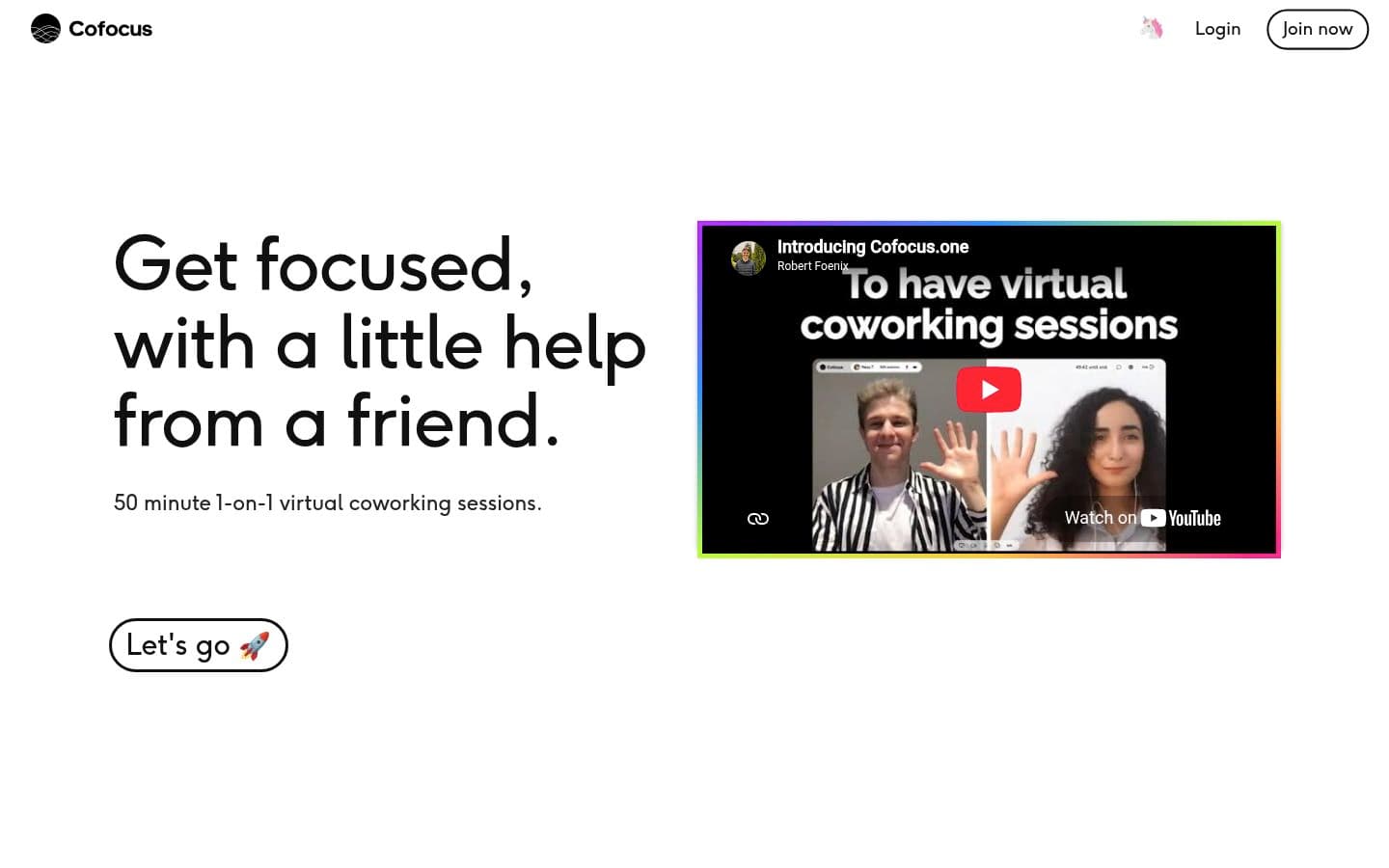 Screenshot of the homepage of Cofocus
The free Starter plan includes 3 sessions a week, like Focusmate's free tier. Premium, with unlimited sessions, is listed around $5 a month in third-party 2026 reviews of the service, though we could not confirm the exact figure on Cofocus's own site during this review. Check Cofocus for the current price before you sign up.
Tradeoff: it's a small service with fewer reviews than Focusmate, and rooms hold two people only. If you want the 1:1 video ritual without the price, it's the closest fit.
Flow Club: hosted group sessions
Flow Club runs live group sessions with a human host. A typical 60-minute session works like this: the host asks everyone to set an intention, everyone works silently for 50 minutes with video on, then the group debriefs. Sessions run 60, 90, or 120 minutes, with up to eight people plus the host.
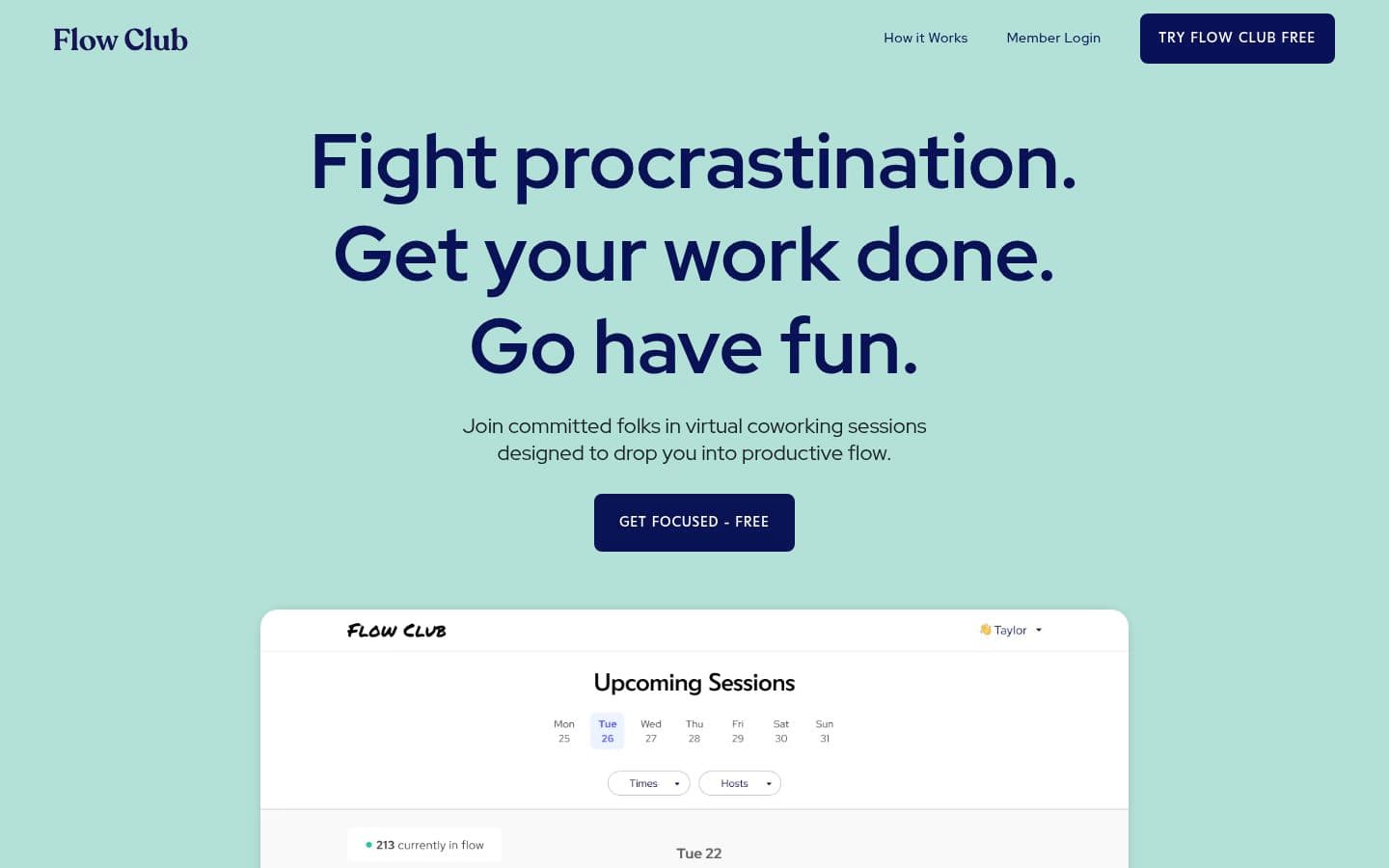 Screenshot of the homepage of Flow Club
Membership is $40 a month or $33.33 a month billed yearly, with a free trial and no payment method needed to start. That's from Flow Club's own FAQ. There are 50% discounts for students and non-profits.
On the camera question, Flow Club's own FAQ says it plainly: video on "as much as you can," and turning it off is okay. There are also fully non-verbal, chat-only sessions. That's softer than Focusmate's setup, though not camera-free.
Tradeoff: it's the most expensive option here unless you qualify for a discount. The host and the fixed session times give it more structure than Focusmate, which is either the draw or the dealbreaker depending on your brain.
Caveday: coached focus sprints
Caveday runs guided focus sessions called "Caves" on Zoom, seven days a week, in 30-minute, 1-hour, and 3-hour lengths. A Cave Guide welcomes you, everyone shares what they're working on, then the group alternates deep-work sprints with short energizing breaks. Cameras are encouraged but everyone stays muted, so you can even do noisy work like phone calls. Those details come from Caveday's own site.
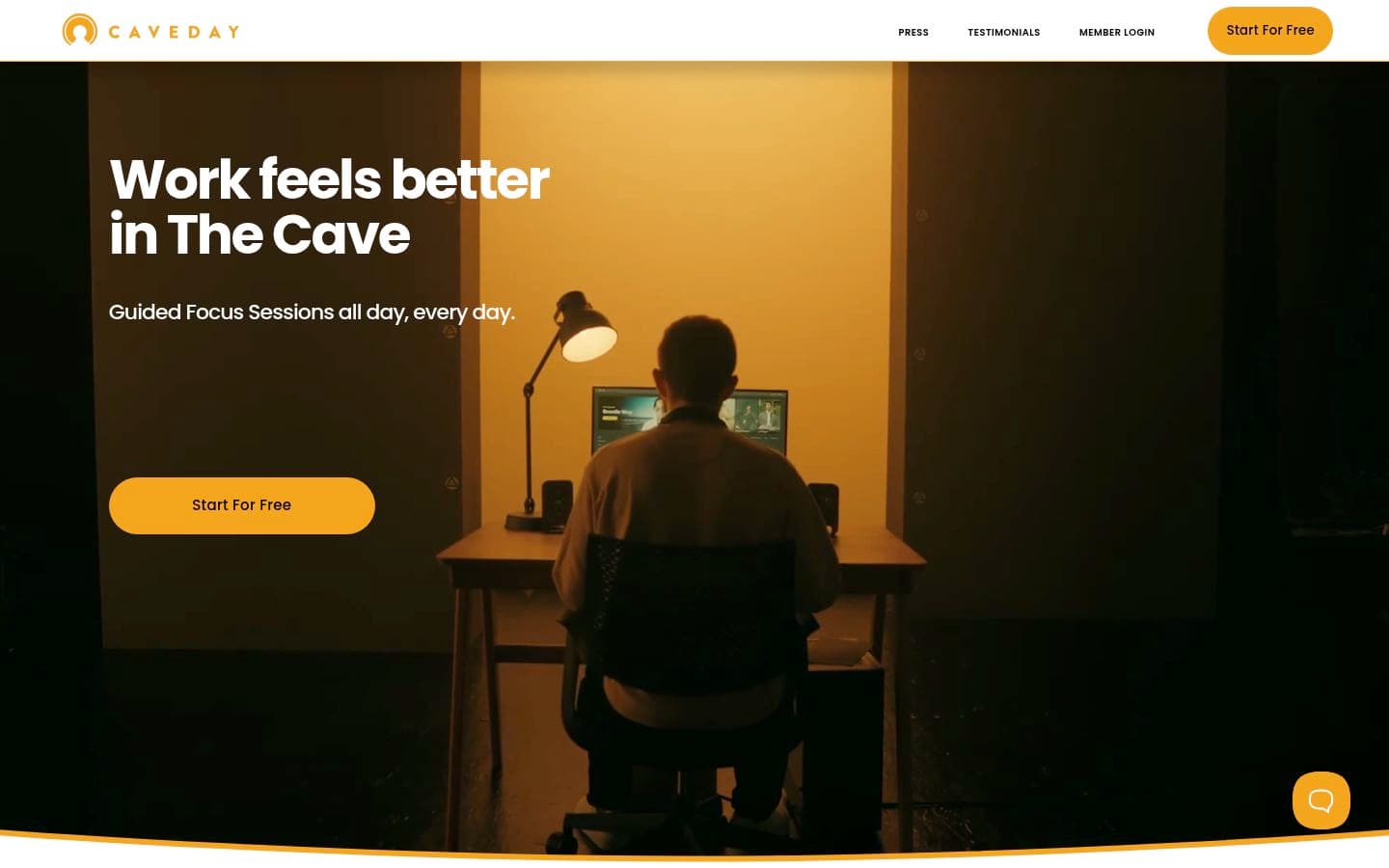 Screenshot of the homepage of Caveday
Membership is $35/month for unlimited reservations, with a 2-week free trial, per Caveday's passes page.
Tradeoff: the sessions are coach-led and energetic, which some ADHD brains love and others find overstimulating. It's group-only, so there's no 1:1 option.
FLOWN: the biggest session library, with a real free tier
FLOWN is a UK-based virtual coworking service with facilitated 1-hour and 2-hour focus sessions running around the clock, plus a 24/7 silent co-working room you can join and leave anytime.
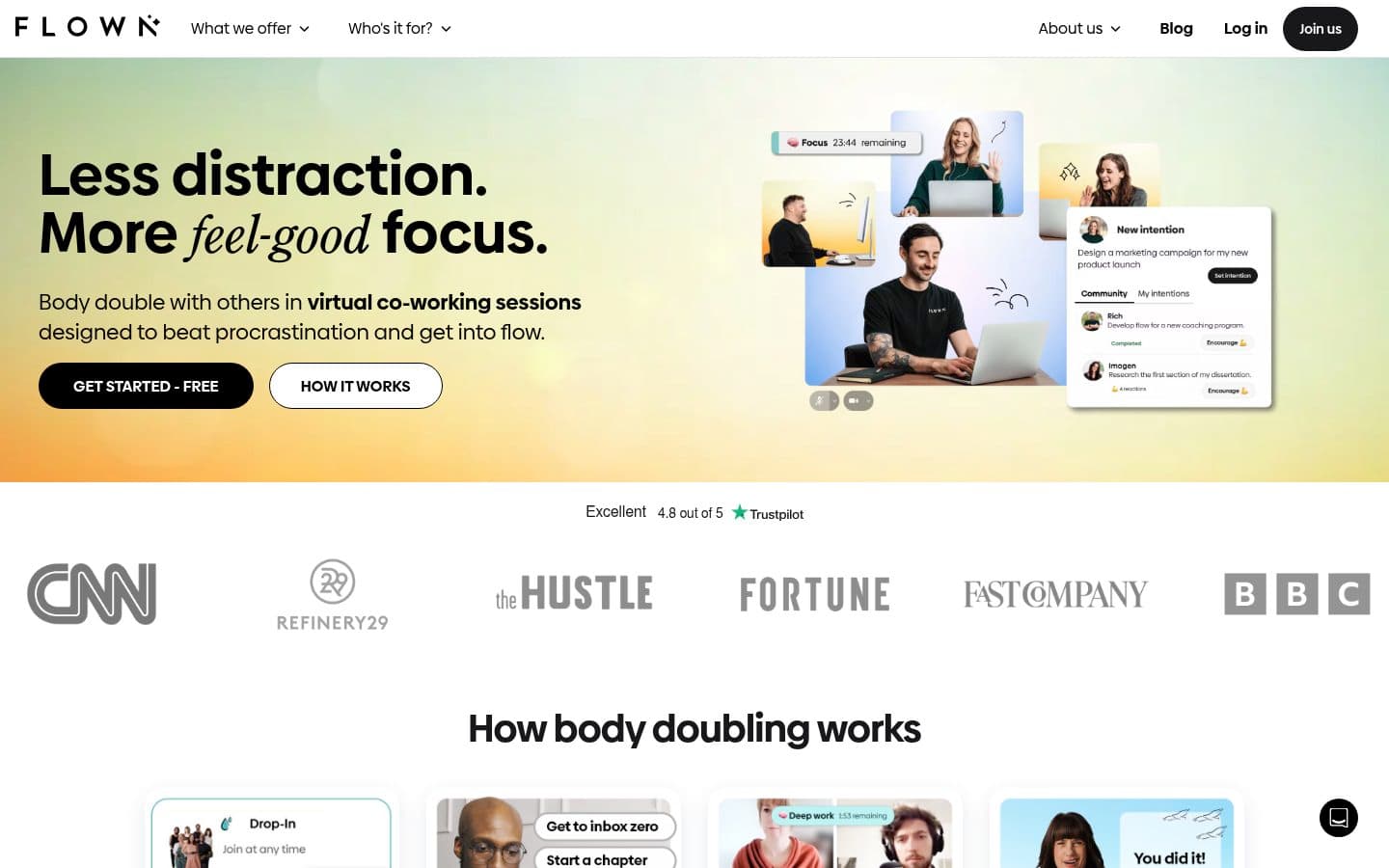 Screenshot of the homepage of FLOWN
Its free tier is genuinely usable: since May 2025, FLOWN Free includes 4 community sessions per month plus access to all sessions on Fridays. New accounts also get a 30-day free trial with full access, no credit card required. Both facts come from FLOWN's own help center.
What we could not verify: the current paid membership price. Third-party comparison pages disagree, and FLOWN's site lists several tiers including a lifetime plan. If price matters, check FLOWN's site directly.
Camera policy is looser than Focusmate's, and facilitators lead the sessions, which suits readers who want structure without the pressure of a 1:1.
FocusLive: free, anonymous, zero friction
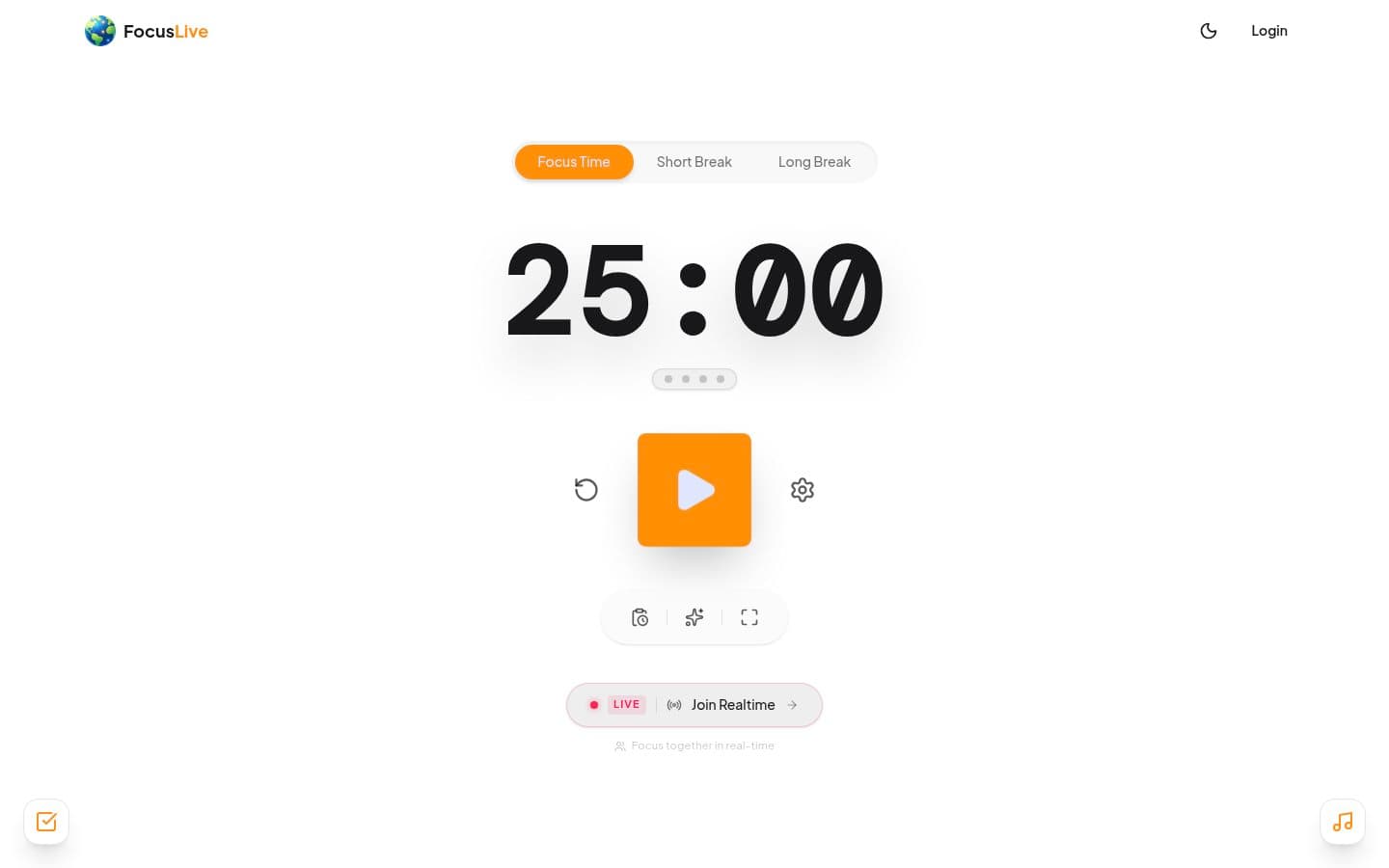
FocusLive is a pomodoro timer with a twist: a live 3D globe where each dot is a person working right now. No video, no profile, no booking. You click "join as guest," appear on the globe, and work. Your location is jittered by a couple of kilometers, so it's anonymous by design.
 Screenshot of the homepage of FocusLive
The core timer is free and doesn't even need an account. FocusLive's own site and terms confirm a free tier for core features, with a paid Pro subscription only for extras like the global focus map.
Tradeoff: the accountability is ambient, not personal. Nobody notices if you wander off to your phone. If Focusmate's camera is what drives you away, this is the lowest-friction option on this list.
StudyStream: live study rooms, free for an hour a day
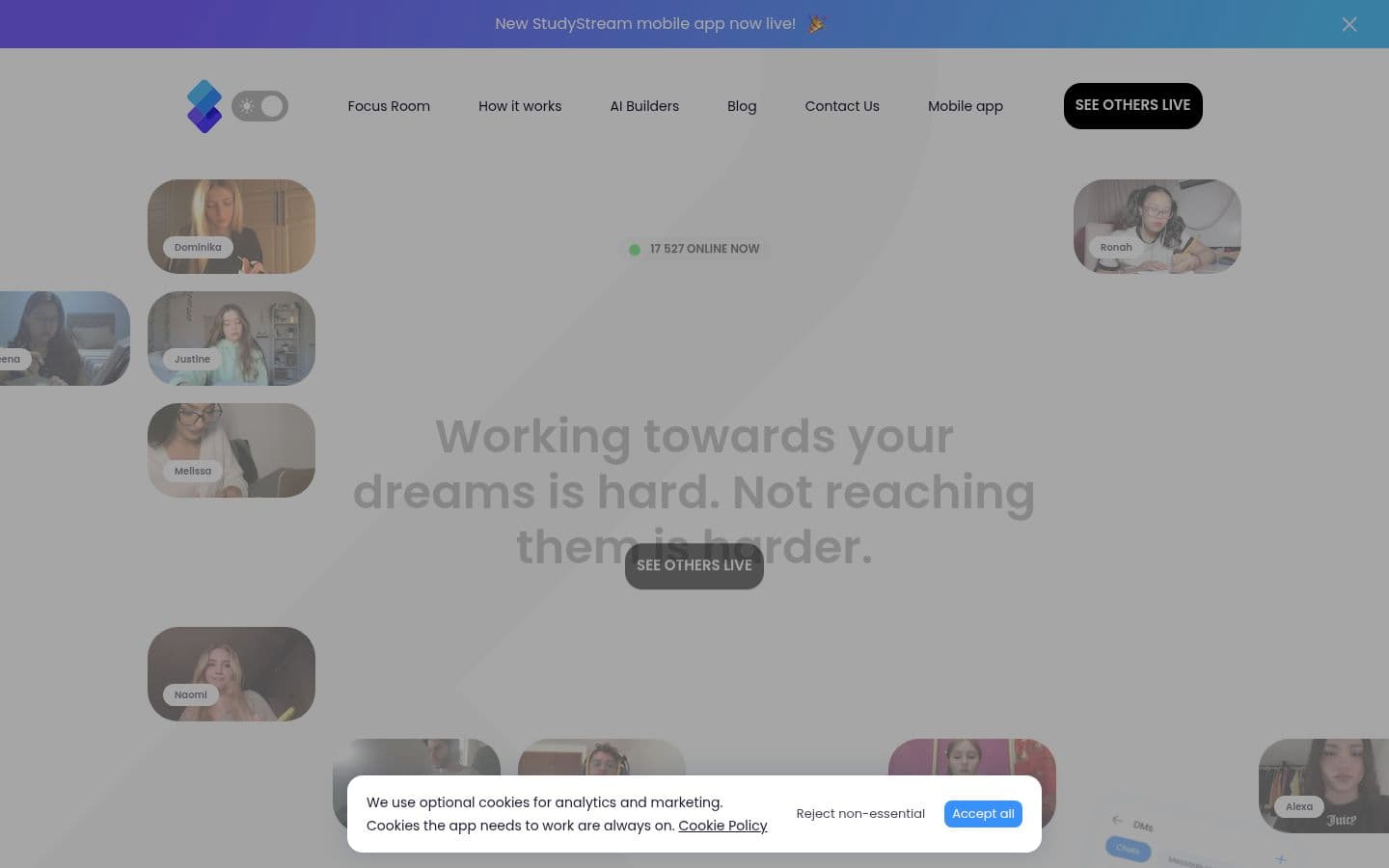
StudyStream runs 24/7 live video study rooms with hundreds of people, mostly students. It's built around cameras-on video streaming, pomodoro timers, streaks, and "pins" where partners hold each other accountable.
 Screenshot of the homepage of StudyStream
The free plan includes up to 1 hour of focus room time per day. Basic and Premium plans raise that, and on iOS, Premium lists at $6.99/month on the App Store. There are no free trials of paid plans, per StudyStream's own help center.
Tradeoff: it's aimed at students, and it's the most camera-forward option here. Best if you're studying for exams and want the energy of a crowded library.
Forest (Plant Together): group focus with stakes
Forest is a focus timer where you grow a virtual tree while you work. Its Plant Together feature turns that into group accountability: you create a room, invite friends by code, and everyone plants the same tree during a synchronized session. If anyone gives up, the tree dies, so you're showing up for each other.
 Screenshot of the homepage of Forest
The core experience is free, including Plant Together, the app blocker, and the timer, with occasional ads outside focus sessions. Plus pricing varies by region and platform, per Forest's own site.
Tradeoff: there's no stranger matching. You need at least one friend or accountability partner willing to join the room. If you have that person, it's the cheapest structured option here.
Free options with no app to install
If your budget is zero and your tolerance for setup is too, two free routes still work.
 Comparison: Free options with no app to install (2 items)
YouTube: study-with-me livestreams
On YouTube, search for "study with me live" or pomodoro livestreams. You get a person (often with camera on) working in real time, plus a timer. It's one-directional: they can't see you, which some people find freeing. Tradeoff: no matching, no tracking, and stream schedules vary. It works best as a fallback or supplement, not a system.
Discord: study servers
Communities on Discord run voice channels where people mute themselves and work together, sometimes on camera. It costs nothing, and there's no scheduling. Tradeoff: quality varies wildly by server, and there's no structure or tracking. Like YouTube, it works best as a fallback or supplement, not a system.
 Screenshot of the homepage of Discord
What people on Reddit actually switch to
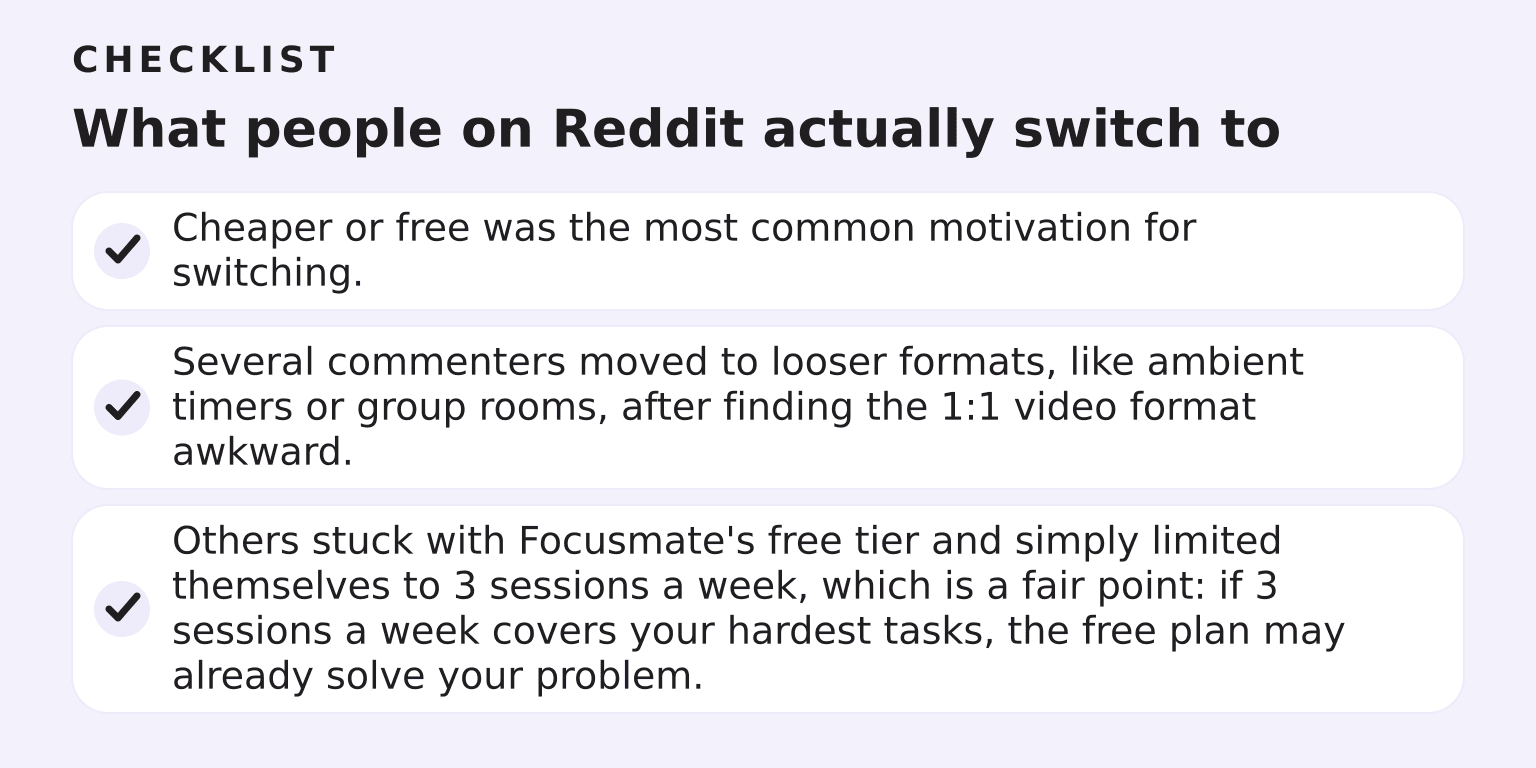
The most-upvoted community thread on this question, "Alternatives for Focusmate" in r/productivity, repeats a few themes you'll recognize from this list:
 Checklist: What people on Reddit actually switch to (3 items)
- Cheaper or free was the most common motivation for switching.
- Several commenters moved to looser formats, like ambient timers or group rooms, after finding the 1:1 video format awkward.
- Others stuck with Focusmate's free tier and simply limited themselves to 3 sessions a week, which is a fair point: if 3 sessions a week covers your hardest tasks, the free plan may already solve your problem.
One commenter's pattern came up again and again: use a body doubling app to start, and a task system to keep going. That matches what we see too.
Best pick by situation
- "Focusmate costs too much." Cofocus (same format, cheaper paid tier), or stay on Focusmate's free 3 sessions a week.
- "The camera is the problem." BrightMind or FocusLive. BrightMind if your deeper problem is starting and planning; FocusLive if you just want ambient company.
- "I hate booking sessions in advance." FocusLive (open a tab and go), the FLOWN 24/7 silent room, or Discord.
- "I need more structure than Focusmate." Flow Club or Caveday, with a human host running the session.
- "I'm a student on a budget." StudyStream's free hour a day, or YouTube study-with-me streams.
If we had to pick one for most readers with ADHD who are leaving Focusmate over the camera: try BrightMind. The reason isn't that live body doubling is bad; it's that the camera and the scheduling are usually symptoms of a deeper issue, which is that starting the task is the hard part. An assistant that plans your day, breaks paralysis into smaller steps, and calls you to check in works on that root cause. If you want the full landscape first, our roundup of the 6 best body doubling apps for ADHD covers what AI options can and can't replicate, and our broader body doubling comparison compares the live-session tools in more depth.
What we couldn't verify
Being upfront about the gaps in this comparison:
- Cofocus's paid price comes from third-party reviews dated 2026, not Cofocus's own page. Confirm before subscribing.
- FLOWN's paid membership price was unstable across sources and not confirmed on its site. Its free tier details are verified.
- Forest's Plus price varies by region and store, so we didn't quote a number.
- We did not personally test any of these services side by side; every claim above traces to the vendor's own pages or clearly dated third-party sources.
Ready to try the camera-free route?
If your real problem is starting, not the absence of a video partner, download BrightMind for iPhone or Android and let it plan your day, break the paralysis down, and call you to check in.